
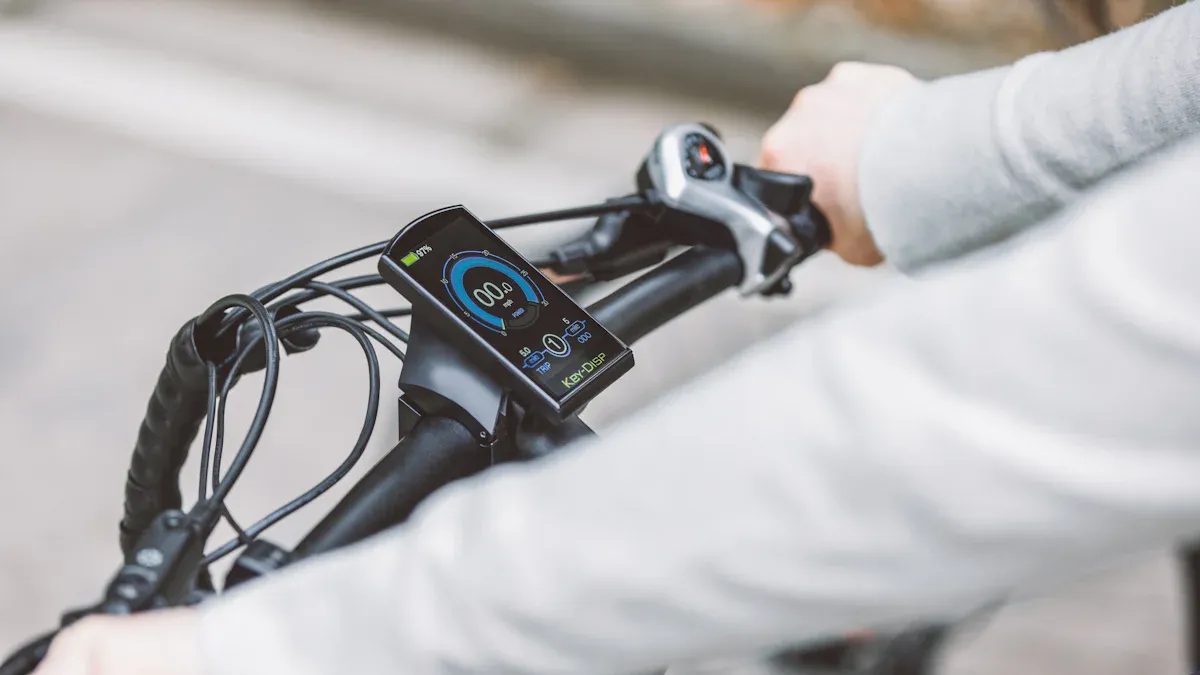
Are you facing an issue with your Bosch e-bike display? Many e-bike owners wonder: What should I do if an error code suddenly appears or the display stops responding? According to a 2021 study by Wertgarantie, while Bosch displays are among the most widely used, they show no damage in over 90% of cases. Nevertheless, users in forums report error codes like 532 or connection problems, often triggered by vibrations or loose cables. With a few simple steps, you can fix many of these issues yourself—even without being a technical expert.
Key Takeaways
Many issues with the Bosch e-bike display can be resolved yourself through simple steps like restarting the system or checking the battery and contacts.
Error codes help identify the cause quickly; note the code and search specifically for the appropriate solution.
Regular cleaning of buttons, contacts, and sensors prevents many malfunctions and extends the life of the display.
In case of recurring errors or visible damage, you should visit a specialist dealer to avoid consequential damage.
Protect your display from heat, moisture, and extreme temperatures to ensure the reliability of your e-bike.
Common Issues with Bosch E-Bike Displays
Recognizing Error Codes
Many problems with the Bosch e-bike display are indicated by error codes. These codes help you find the cause quickly. Frequent error codes such as 410, 440, or 503 point to various malfunctions. For example, error code 503 often indicates a problem with the speed sensor. Usually, the spoke magnet is not positioned correctly or the sensor is dirty. Error codes like 410 or 418 point to blocked buttons. Error codes are generally consistent across Bosch systems, which makes diagnosis easier.
Tip: Write down the displayed error code. This allows you to search specifically for the solution.
Error Code |
Meaning |
Possible Solution |
|---|---|---|
410, 418 |
Blocked buttons |
Check and clean buttons |
414, 422 |
Connection problems |
Check cables and connections |
430 |
Display battery empty |
Charge display or switch on e-bike |
503 |
Speed sensor problem |
Check/clean sensor and magnet, restart |
Display Remains Dark
If your Bosch e-bike display doesn't turn on, first check the battery. An empty or weak battery is often the cause. Loose contacts or damaged plugs can also cause the display to remain dark. Overheating due to direct sunlight can also cause a failure. Protect the display from extreme heat and check the contacts regularly.
Connection Problems
Connection problems often occur due to loose cables or dirty contacts. Sometimes it is enough to unplug the connectors and plug them back in firmly. Corrosion on the contacts can also interfere with the connection. Clean the contacts carefully and ensure they remain dry.
Buttons and Contacts
Blocked or sticky buttons are a typical source of errors. Dirt or moisture can impair their function. Check that the buttons are firmly seated and clean them if necessary. You should also clean the contacts on the display and battery regularly. This way, you can prevent many problems with your Bosch e-bike display.
Step-by-Step Troubleshooting
If your Bosch e-bike display is not working as expected, you can solve many problems yourself. Follow this step-by-step guide to rule out the most common sources of errors.
Restart and Reset
A simple restart often fixes many error codes. Turn the e-bike off completely. Wait a few seconds. Turn the system back on. Many users report that a reset after an error message resolves the problem immediately.
Tip: Always switch on the e-bike before you start pedaling. This avoids error messages caused by early load.
Check Battery and Power
Check the battery first. Is it charged? Insert the battery correctly. Check the contacts on the battery and the charger. Dirty or corroded contacts often cause malfunctions. Clean them carefully with a dry cloth.
Store the battery at room temperature. Extreme heat or cold damages the battery and leads to malfunctions.
Clean Contacts
Loose or dirty contacts are one of the most common causes of display problems. Carefully remove the display. Check the contact points for dirt or moisture. Clean the contacts with a soft, dry cloth. Reinsert the display firmly.
Note: Ensure that all plugs are seated correctly and that no cables are damaged.
Check Sensors
The speed sensor on the rear wheel plays an important role. Check whether the sensor and the magnet are clean and correctly aligned. A misaligned magnet often triggers error codes like 503.
Also check the cable connections from the display to the sensor. Plug in any loose cables and check them for damage.
Step-by-Step Checklist:
Switch on e-bike before setting off
Charge battery and insert it correctly
Clean contacts on battery, display, and charger
Remove display, check contacts, and reinsert
Check speed sensor and magnet
Check and secure cable connections
With these steps, you can resolve about 80% of typical errors with your Bosch e-bike display yourself. If the problem persists, it is recommended to see a specialist dealer.
Error Codes on the Bosch E-Bike Display
Overview of Important Codes
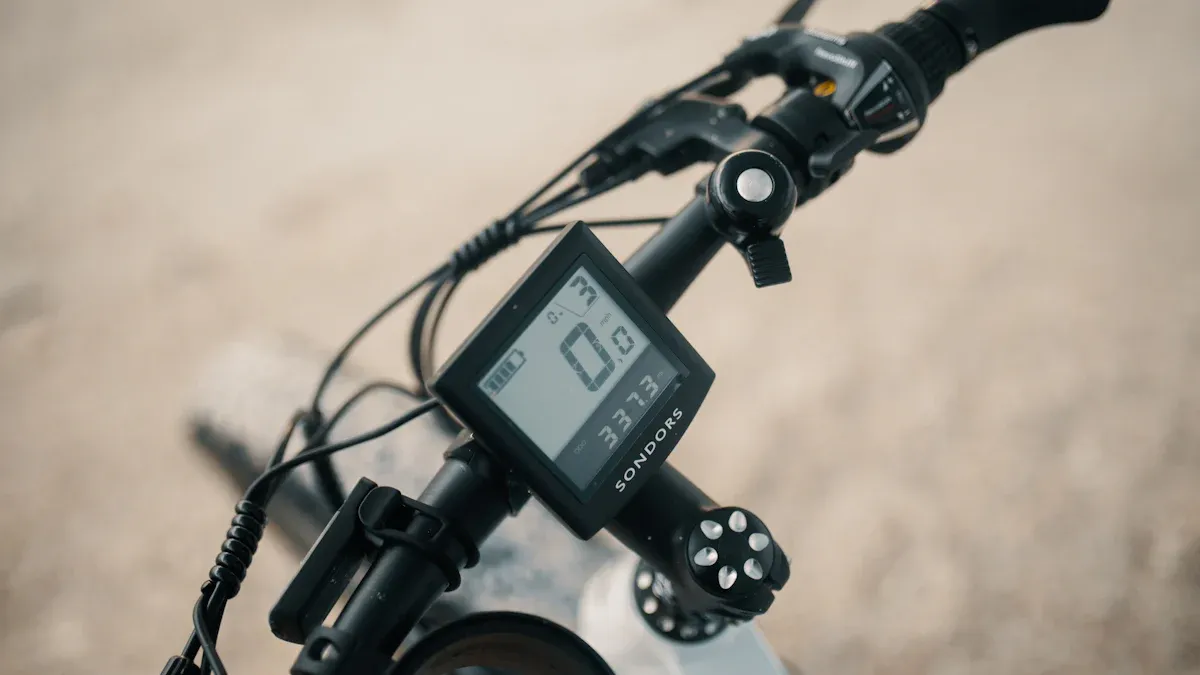
Many display errors can be identified quickly if you know the most important error codes. Each code stands for a specific problem. With this overview, you can find the cause faster:
Error Code |
Meaning |
Common Cause |
|---|---|---|
410 |
Button blocked |
Dirt, moisture, defect |
418 |
Button blocked |
Sticky or defective button |
440 |
Communication error |
Cable loose, plug not secure |
503 |
Speed sensor problem |
Magnet incorrect, sensor dirty |
532 |
Connection to battery disturbed |
Battery not inserted correctly |
550 |
Internal system error |
Software problem, rarely hardware |
Tip: Write down the error code before starting troubleshooting. This helps you find the appropriate solution.
Solutions for Error Codes
You can fix many errors yourself if you know what to do. Here you will find the most important solutions for common error codes:
-
Error Code 410 / 418 (Button blocked):
Check all buttons on the display. Press each button individually. Sometimes a button is jammed due to dirt or moisture.
Clean the buttons carefully with a dry cloth.
Let the Bosch e-bike display air dry if it has become damp.
-
Error Code 440 (Communication error):
Check all cables and plugs between display, battery, and motor.
Unplug the connections once and plug them back in firmly.
Ensure that no cable is kinked or damaged.
-
Error Code 503 (Speed sensor problem):
Check the magnet on the rear wheel. It must pass exactly by the sensor.
Clean the sensor and magnet with a soft cloth.
Realign the magnet if it has shifted.
-
Error Code 532 (Connection to battery disturbed):
Reinsert the battery. Ensure it clicks into place properly.
Check the contacts on the battery and the frame for dirt or corrosion.
Charge the battery completely.
-
Error Code 550 (Internal system error):
Restart the system. Switch the e-bike off and back on after a few seconds.
Keep the display updated to the latest software version. Update the software if possible.
If the error persists, see a specialist dealer.
Note: Many error codes disappear after a restart or cleaning the contacts. If the error remains, a visit to the dealer is often the only option.
With these tips, you can solve most problems with your Bosch e-bike display yourself. You save time and do not have to go to the workshop immediately.
When to See a Specialist Dealer?
Signs of Defects
Sometimes you cannot solve problems with the Bosch e-bike display yourself. There are clear signs that point to a defect. You should see a specialist dealer if you notice the following points:
The display remains permanently dark despite a full battery and cleaned contacts.
Error codes like 550 or 532 appear repeatedly, even after a restart.
The buttons do not respond, even after cleaning them.
You see cracks, moisture, or other visible damage to the display.
The e-bike no longer starts or switches off suddenly during the ride.
Tip: If you are unsure, take a photo of the error code or the display. Show it to the dealer so they can help faster.
A specialist dealer can work with diagnostic equipment. They can recognize errors that you cannot find yourself, provide an accurate analysis, and avoid further damage.
Benefits of the Workshop
Visiting the workshop offers many advantages. Professionals are familiar with Bosch systems and have the right tools and software.
Here are some benefits at a glance:
Benefit |
Description |
|---|---|
Fast diagnosis |
Dealer reads out error codes directly. |
Original spare parts |
You receive tested and suitable spare parts. |
Guarantee maintenance |
Professional repairs preserve your warranty. |
Software updates |
Workshop installs the latest system updates. |
Safety |
Experts check all safety-relevant parts. |
Note: Many workshops offer quick service, and you can often be back on your bike after a short time.
You benefit from their experience and expertise, keeping your e-bike reliable and safe.
Maintenance and Prevention
Display Maintenance
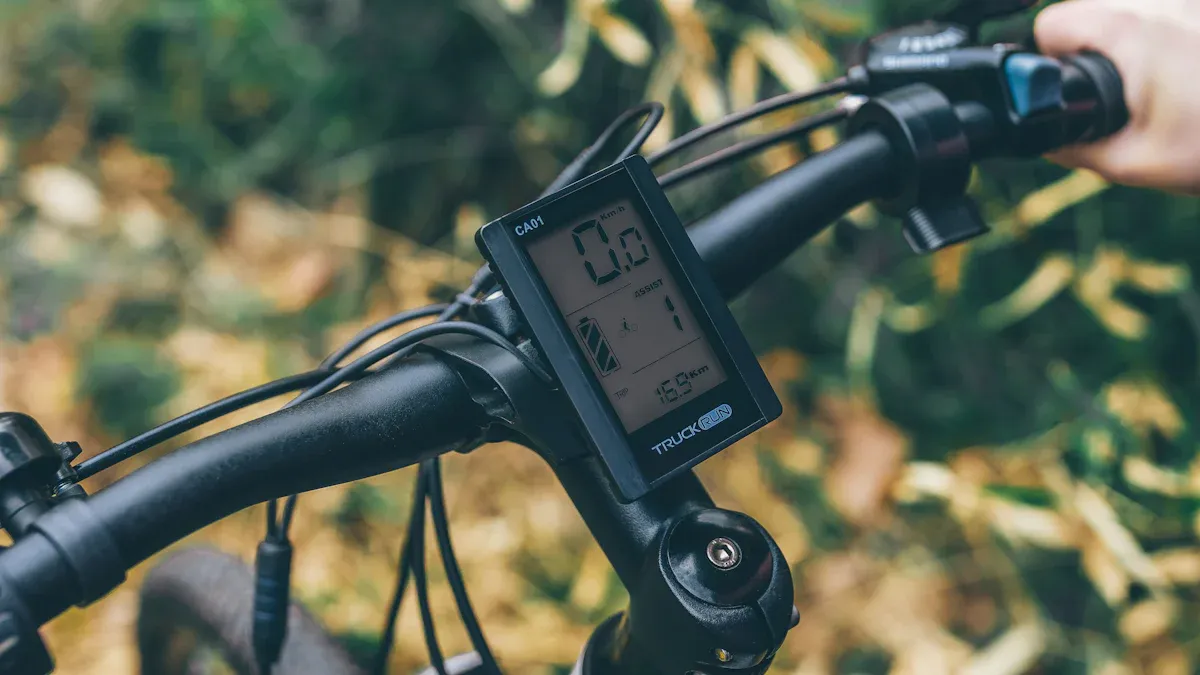
You can significantly extend the life of your Bosch e-bike display by performing regular simple maintenance. Experts recommend checking the display and cable connections at least once a month. Ensure that no corrosion or dirt builds up on the contacts. A soft, dry cloth is usually sufficient to remove dust and dirt.
Many errors can be avoided with regular updates. Bosch provides firmware updates that you can either install yourself via the app or have installed by a dealer. These updates improve stability and fix known issues. Check regularly if an update is available.
An annual inspection by a dealer is worth it, as all wear parts and connections are checked, allowing you to identify potential weak points early on.
Here you will find a summary of the most important maintenance steps:
Perform firmware updates regularly
Check cables and contacts for wear and clean them
Keep battery contacts clean and check for a secure fit
Inspect display and control unit for visible damage
Have a thorough inspection done by a dealer once a year
Tip: Keep the battery at a charge level of 30-60% when not in use for longer periods to maintain its performance.
Protection Against Damage
The best way to protect your display is to keep it away from extreme weather conditions. Strong sun or rain can damage the electronics. Use a suitable protective cover when parking your e-bike outside, as it protects against moisture and overheating.
Store your e-bike at temperatures between 15 and 20 °C if possible. Extreme heat or cold damages the battery and display. Regularly check that the battery is securely seated and the contacts are clean. A loose battery can lead to error messages.
Here is an overview of how to protect your display optimally:
Measure |
Benefit |
|---|---|
Use protective cover |
Prevents moisture and heat |
Optimal storage temperature |
Preserves performance and service life |
Regular visual inspection |
Allows for quick detection of damage |
With these simple steps, your Bosch e-bike display will remain reliable, and you will enjoy your e-bike for a long time.
You can solve many problems with your Bosch e-bike display yourself. Try the steps described first. Check the battery, contacts, and sensors. Clean the buttons regularly. A restart often helps quickly. Be patient and work step by step. Many errors will disappear this way. For more complex cases, you can find help from Bosch customer service or in official manuals.
FAQ
How can I reset my Bosch e-bike display?
Switch off the e-bike. Wait ten seconds. Switch the system back on. Many errors disappear after this restart. Afterwards, check whether the display is working again.
What should I do if the display does not respond in the rain?
Carefully dry the display with a soft cloth. Leave the e-bike in a dry place. Check the contacts for moisture. Moisture can interfere with the electronics.
How do I know if the speed sensor is working correctly?
Pay attention to the speed display on the screen. Does it show "0" even though you are riding? Check the magnet on the rear wheel. It must pass by the sensor. Realign it if necessary.
Can I clean the display myself?
Yes, you can clean the display with a soft, dry cloth. Avoid water and aggressive cleaning agents. Clean the contacts regularly as well. This will help prevent malfunctions.
What should I do if the display flickers or flutters?
Tip: Check the battery first. A weak battery can cause flickering. Check the cables and contacts. Reinsert the display. If the problem persists, visit a specialist dealer.