
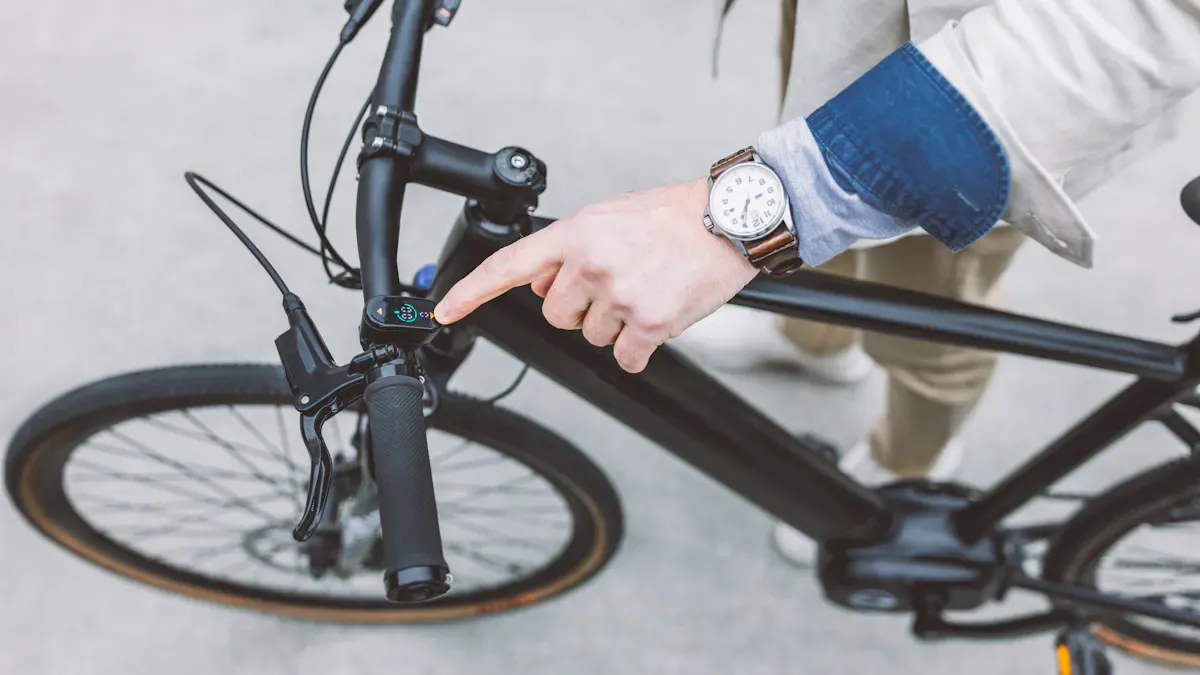
Your e-bike display allows you to keep an eye on key metrics like speed, battery level, and riding modes. Many riders pay close attention to speed and battery level, as these values ensure control and comfort. Operation remains simple, so you can fully focus on your ride.
Key takeaways
Monitor the speed and battery level on your e-bike display. These values help you ride safely and plan your range.
Select the appropriate riding mode for your trip. Eco mode saves energy and increases range, while Auto mode adjusts the assistance automatically.
Clean your display regularly with a soft cloth. Avoid aggressive cleaning agents to extend the life of the display.
E-bike display functions at a glance
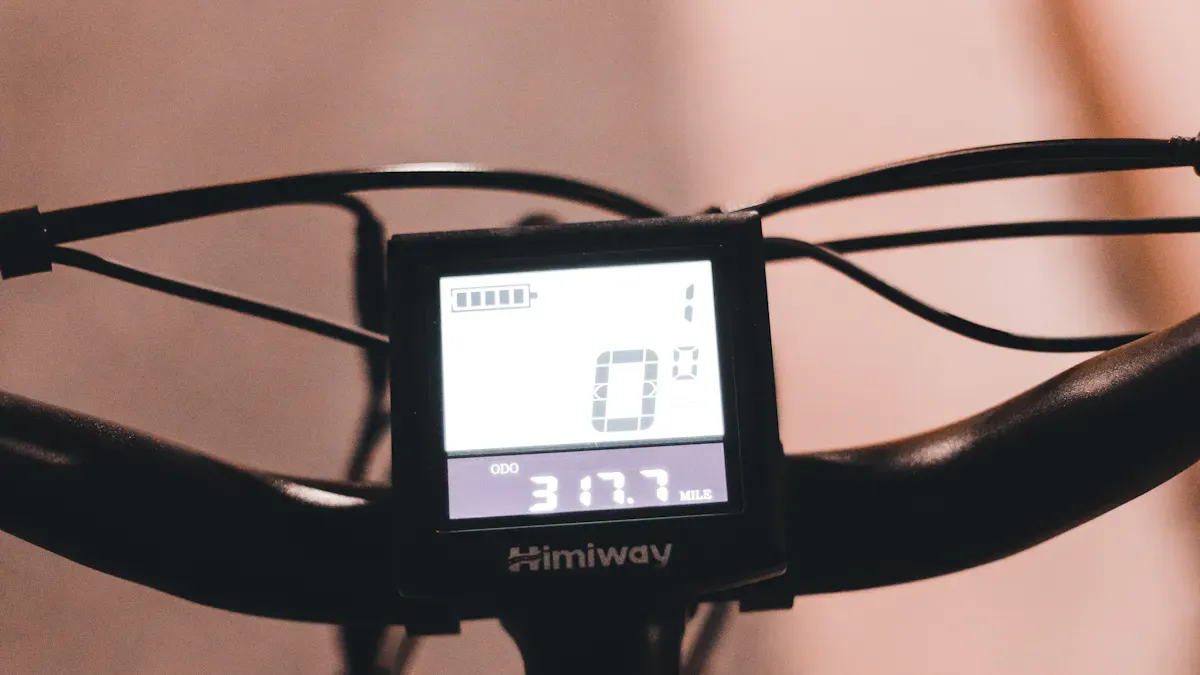
Speed and battery level
On your e-bike display, you can see at a glance how fast you are going and how much energy is left in the battery. These two values are among the most important functions shown on almost every e-bike display. Speed helps you control your pace and ride safely. The battery level shows you how far you can still ride before you need to charge the battery.
Description |
|
|---|---|
Battery charge level |
Displays the current battery charge level. |
Current speed |
Provides information on the e-bike's instantaneous speed. |
Selected assist level |
Indicates which assist level is currently active. |
Time |
Displays the current time. |
Programmability |
Option to program the display via apps or adjust it manually. |
Operation |
Differences in operation, e.g., touchscreen or buttons. |
Many manufacturers offer different types of displays. You can use simple LCD displays that show only the most important values. Color displays with smart features show more details and can often be connected to a smartphone. Some e-bikes even use your mobile phone as a display.
Range and riding modes
Range is particularly important for you. It shows how many kilometers you can still ride with your e-bike. The value depends on the battery level, the riding mode, and the terrain. You can choose different riding modes to control the motor's assistance. Each mode has its own advantages.
Battery type |
Range (km) |
Notes |
|---|---|---|
City e-bikes |
Typical range for urban use |
|
E-mountain bikes |
30-50 |
Shorter range due to demanding usage |
E-cargo bikes |
up to 100 |
Larger batteries, but additional weight |
Battery capacity (Wh) |
Range (km) |
Notes |
|---|---|---|
400-750 |
40-120 |
Depending on conditions and assist mode |
You can set the riding modes directly on the handlebars. The display shows you which mode is active. You will often find the following modes:
Riding mode |
Description |
|---|---|
Energy-saving, for longer range. |
|
Auto mode |
Automatic adjustment of assistance. |
Off |
No motor assistance. |
Other modes |
Individual customization possible. |
The choice of riding mode influences power consumption and range. In Tour mode, your e-bike consumes about 9 Wh per kilometer. In Eco mode, you save energy and travel further.
Ride time, distance, and reset button
The display also shows you how long you have been riding and how many kilometers you have covered. You can read the trip distance, ride time, and average speed. Many e-bike displays store this data automatically. You can analyze it later or connect it to an app.
Level of assistance provided by the motor
Ride programs
Battery level
Speed
Trip distance
Maximum speed
Average speed
Ride time
Range
Total distance
Light control
Gear shift recommendation
Navigation
Fitness functions
The reset button helps you set the values for distance, ride time, and average speed to zero. Simply switch to the desired function and hold the button down until the display is reset. This way, you start every trip with fresh values. You can also reset maximum speed and range in this manner.
Tip: Most e-bike displays are located directly on the handlebars. You can operate them easily without taking your hands off the grips. This ensures greater safety and comfort.
When you bring your e-bike in for maintenance, the dealer can read the data via a micro-USB interface. With special apps like the Fazua App, you can analyze your ride data more precisely and adjust the motor assistance individually.
Differences and tips for e-bike displays
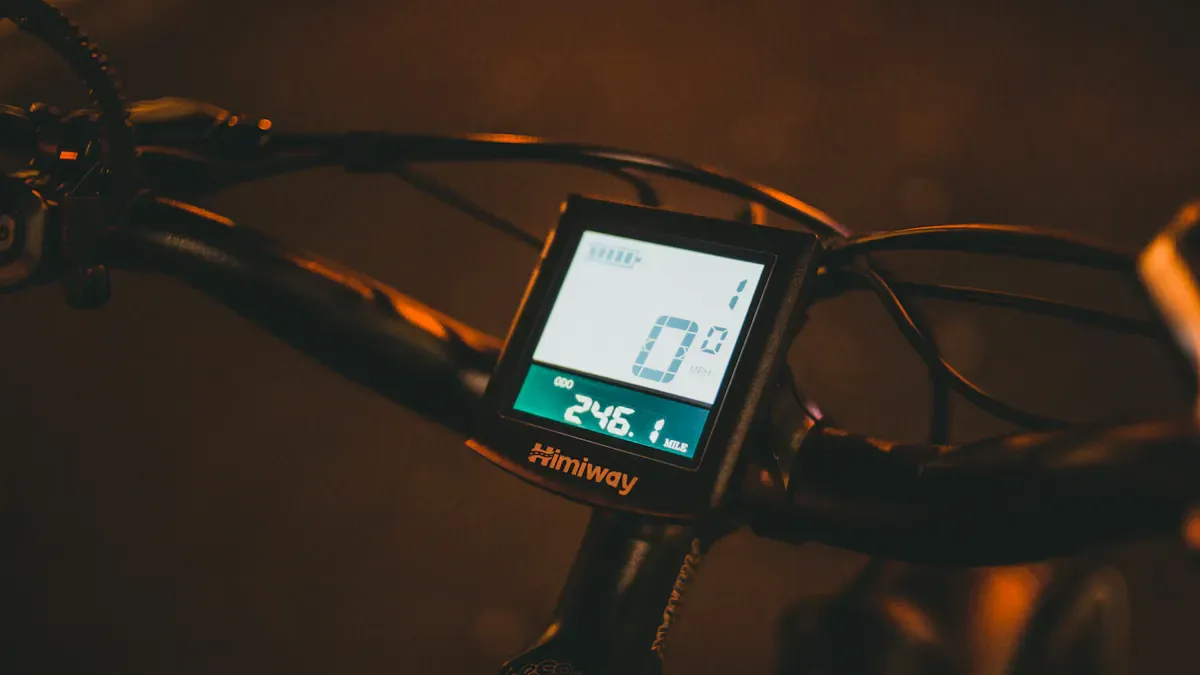
Display types and light function
You will find different display types on e-bikes. LCD displays show you the most important values like speed and battery level. They are robust and consume little power. OLED displays offer better readability in sunlight and have a lifespan of about 30,000 hours. Color displays with smart features allow for navigation and fitness tracking. Many displays can be connected to your smartphone. This allows you to plan your route and customize the motor assistance.
Display type |
Features |
|---|---|
LCD |
Shows basic info, energy-saving, durable |
OLED |
High brightness, good readability, similarly durable |
Color display |
Navigation, fitness, Bluetooth required |
Smartphone |
Inexpensive, versatile, higher battery consumption |
Modern e-bike displays have an automatic light function. A light sensor measures the ambient brightness. The light turns on automatically in the dark. You ride more safely because you are better seen.
Function |
Description |
|---|---|
Light sensor |
Measures ambient brightness |
Automatic activation |
Light is switched on automatically in the dark |
Safety advantage |
Increases safety while riding |
Operation, care, and troubleshooting
You usually operate the display using buttons or a touchscreen. Choose a clearly visible spot on the handlebars. Secure the display with the correct mounts. Test all functions after installation. A display that is easy to read helps you identify important info quickly. Seniors benefit from clear displays and simple operation.
Tip: Clean the display with a soft cloth. Avoid water and aggressive cleaning agents.
Sometimes problems occur. A defective display, stuck buttons, or loose cables are common. Restart the display and check the cable connections. Contact a dealer if the problem persists. Specialized dealers offer help and instructions. Test rides help you learn how to use it.
Restart the display
Check cable connection
Consult a professional in case of persistent problems
You don't need to be a tech pro to use your e-bike safely. The electronics are the core, and the manufacturer handles many of the settings.
With the e-bike display, you always have important metrics such as battery level, mileage, and riding modes in view. Particularly useful are:
Individual riding modes and Auto mode
Navigation and heart rate monitoring
Pay attention to proper care:
Remove battery and display before cleaning
Do not use high-pressure cleaners
Protect contacts with contact spray
Operation |
Description |
|---|---|
Simple, easy to read even while riding |
You can operate your display easily and usually resolve minor problems quickly.
FAQ
How can I reset my e-bike display?
Hold the reset button on the display for a few seconds. The trip values will be set to zero. You will start your next trip with fresh data.
What do I do if the display does not work?
First check the cable connection. Restart the display. Contact a specialized dealer if the problem persists.
Can I connect my smartphone to the e-bike display?
Many modern displays offer Bluetooth. You can connect your smartphone via an app. This allows you to use navigation and fitness functions directly on the handlebars.