
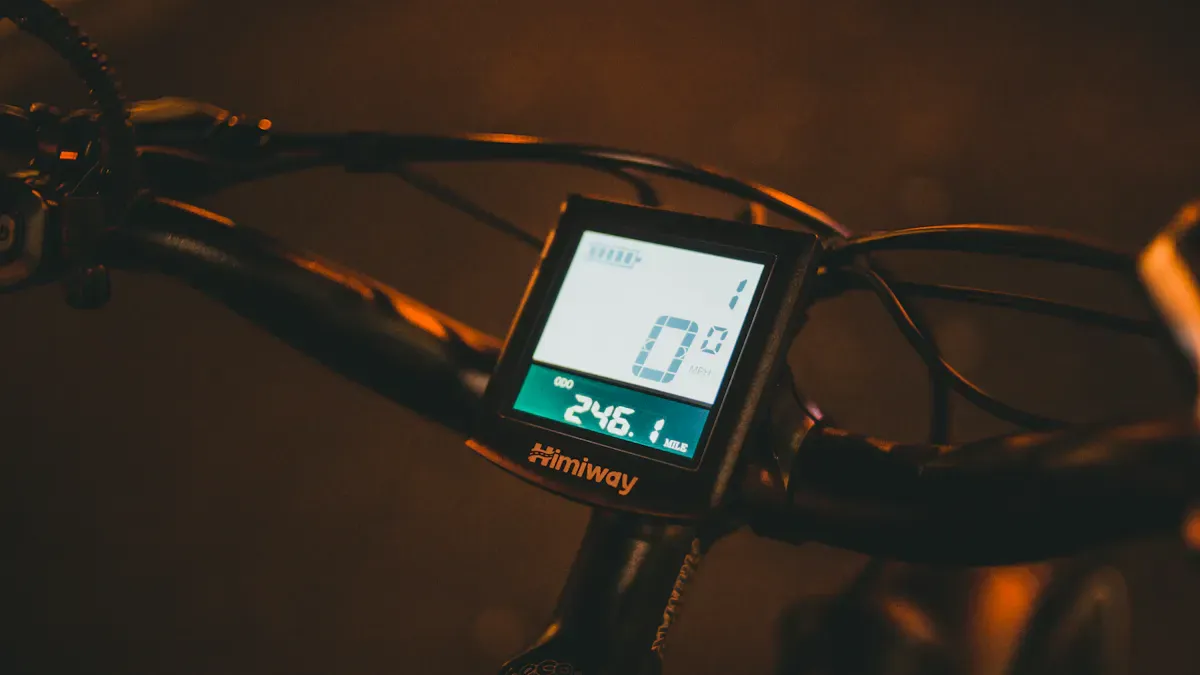
What do you actually find most important in an e-bike display? Many riders look for intuitive operation and good readability. Models like Bosch Kiox, Intuvia, and Purion show just how different displays can be.
Kiox is particularly easy to control and read, Intuvia offers you a solid standard experience, while Purion feels a bit more limited by comparison.
Here you can see how reliable the models are:
Model |
Rank |
Damage Frequency |
|---|---|---|
Kiox |
1 |
>90% no damage |
Intuvia |
2 |
>90% no damage |
Purion |
4 |
>90% no damage |
Key Findings
E-bike displays offer various riding modes. Choose the mode that suits your riding style to get the best support.
The range indicator shows you how much further you can ride. Keep an eye on the battery level and the support level to maximize your range.
Modern displays integrate smartphones. Use your phone for navigation and fitness tracking to improve your riding experience.
Regular maintenance of the display is important. Keep it clean to ensure readability and prevent damage.
Secure your e-bike with anti-theft protection and automatic lighting. These features increase safety while riding.
E-Bike Display Functions
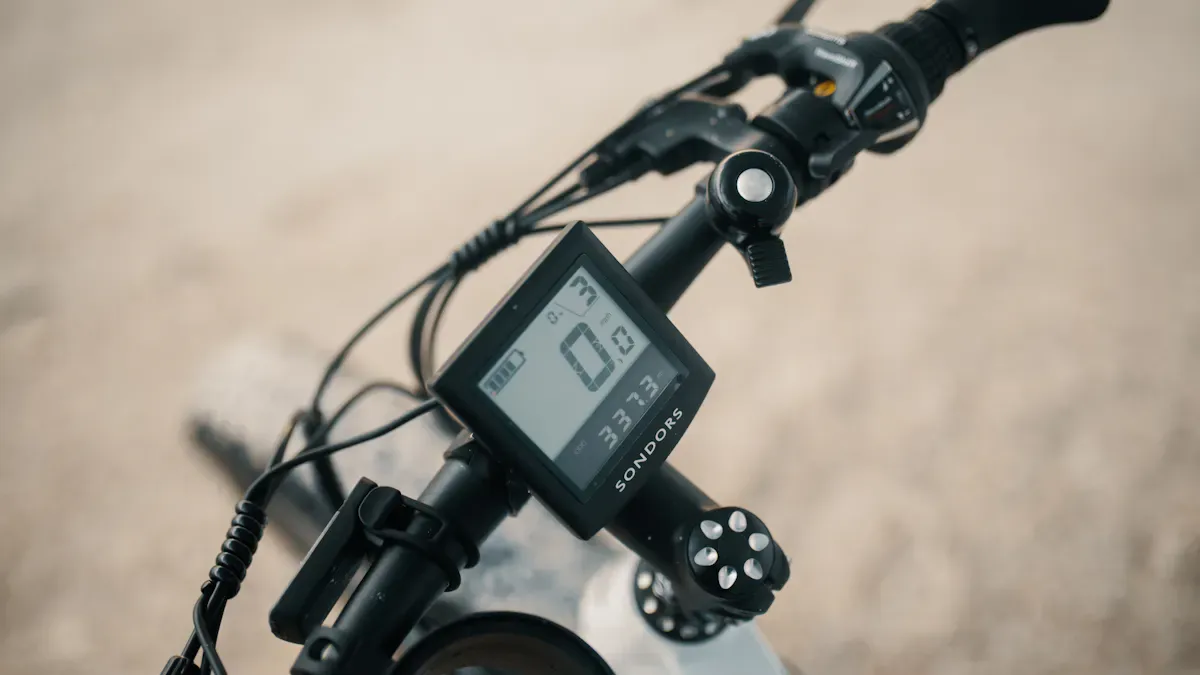
Riding Modes & Support Levels
Want to know how to get the most out of your e-bike? Riding modes and support levels make the difference. With just one push of a button, you select how much support the motor provides. This is practical when you are taking a leisurely ride through the city or want to conquer a steep hill.
Here you can see the most common riding modes and what they mean:
Riding mode/Support level |
Description |
|---|---|
ECO |
Low support for longer rides |
TRAIL |
Medium support for mixed terrain |
BOOST |
High support for steep climbs |
Dynamic |
Adaptive support based on riding style |
Explorer |
Support for exploratory rides |
Individual |
Individually configurable support |
Many displays, such as those from Bosch, show these modes clearly. You can switch at any time. In Eco mode, you save energy and go further. In Sport or Turbo mode, you get full power, but the battery won't last as long. Each mode feels different, and you will quickly find out what suits your riding style.
Tip: Try out different levels! This way, you will learn how your e-bike behaves in different situations.
Speed & Range
Your e-bike display always shows you how fast you are going. This is not only exciting, but it also helps you keep an eye on your speed. Especially practical: the range indicator. It tells you how many kilometers you can still ride before the battery is empty.
The range depends on many factors. Here is an overview of what plays a role:
1. Support mode 2. Battery charge level 3. Distance to destination 4. Topography of the route 5. Rider weight 6. Fitness level 7. Elevation gain covered 8. Average rider power 9. Percentage of the ride above maximum support speed 10. Total weight ready-to-ride 11. Number of start-up maneuvers 12. Tire pressure and tread 13. Surface condition 14. Ambient temperature 15. Wind 16. Connected accessories
In Eco mode, you can often travel many kilometers. The Tour mode offers a good balance between support and range. In Sport or Turbo mode, you have the most support, but the range decreases. The display continuously recalculates the range depending on how you ride.
Support level |
Maximum motor power |
Range |
|---|---|---|
Eco |
220 Watts |
High |
Tour |
Higher support |
Medium |
Sport/Turbo |
Maximum support |
Low |
Battery Level & Performance
The battery level is the most important signal for how much further you can go. Modern e-bike displays usually show the charge level as a bar or a percentage. This way, you always know when it is time to charge the battery. However, there can sometimes be small issues: in some tests, the display did not always function reliably. Therefore, it is worth checking the battery level regularly.
The performance indicator gives you an overview of how much energy you are currently consuming. Depending on the display, you get even more info. Here is a comparison of what different models display:
Display |
Data at a glance |
|---|---|
Kiox 500 |
Mileage, speed, average speed, top speed, ride time, range, battery level, power, cadence, heart rate |
Kiox 300 |
Mileage, speed, average speed, top speed, ride time, range, battery level, power, cadence, heart rate |
Intuvia 100 |
Mileage, speed, average speed, top speed, ride time, range, battery level, time, gear shift recommendation, power, bike lighting |
Purion 200 |
Mileage, speed, ride time, range, battery level, power, time, cadence |
As you can see, you get more or less information depending on the model. Simple displays show you the most important values such as speed, battery level, and support level. Color displays often offer navigation, fitness tracking, and individual adjustments. Some e-bike riders even use their smartphone as a display. This provides many functions, but you have to watch out for battery consumption.
Note: A highly readable display ensures that you can concentrate fully on the ride.
Smart Features & Navigation
Smartphone Integration
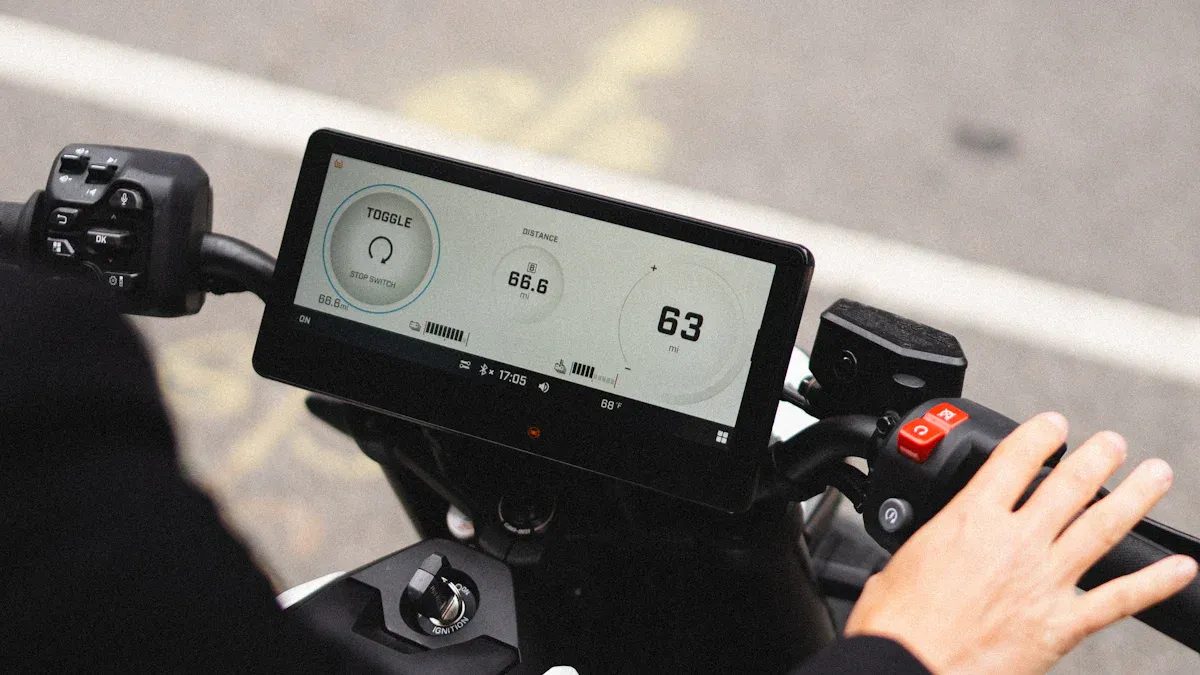
Want to make your e-bike even smarter? Many modern displays offer the option of pairing your smartphone. This works via Bluetooth, for example. You can use your phone as a large display or unlock additional functions. Many manufacturer apps help you customize your riding experience. You can adjust support levels, view your fitness data, or plan your next tour directly on your phone.
Here you can see which displays work particularly well with a smartphone and the benefits that brings:
E-Bike Display |
Smartphone Integration |
Benefits |
|---|---|---|
Bosch Kiox 300 |
Yes |
Navigation, fitness tracking, individual customization |
Bosch Kiox 500 |
Yes |
Navigation, fitness tracking, individual customization |
Shimano SC-EN600 |
Yes |
Navigation, fitness tracking, individual customization |
Smartphone as display |
Yes |
Large display, full-featured navigation, no extra costs for hardware |
Yes |
Use of e-Tube app, individual customization of support |
Tip: Use your smartphone as a display if you want a large, highly readable image. This often saves you from having to buy expensive additional hardware.
Many displays like the Bosch Kiox 300 or 500 connect directly to your phone. You then get navigation, fitness tracking, and can set everything according to your wishes. The Bosch Smart System goes a step further. It connects to the eBike Flow app. With this, you can adjust the riding modes, view your trip data, and even receive software updates directly on the display.
Maps & Navigation Aids
Want to discover new paths? Modern displays help you do just that. They show you maps, plan routes, and guide you safely to your destination. Especially practical: you can see navigation directly on the handlebars. This way, you don't have to constantly look at your phone.
Here is an overview of popular navigation functions:
Navigation Functions |
Benefits |
|---|---|
Precise arrival, avoidance of detours |
|
Map view |
Orientation in the terrain, exploration of new routes |
Route planning |
Support in planning tours |
Many displays like Bosch Kiox or Nyon offer GPS-assisted navigation. They show you maps and give you turn-by-turn directions in real time. This helps you keep your bearings even in unfamiliar terrain. High-quality systems provide you with precise data and make planning trips easy. The Cobi Bike system is another example. It connects to your smartphone via Bluetooth. You get navigation, music control, and fitness data directly on the display.
Note: Navigation on modern displays is often just as precise as on a smartphone. You get all the info directly on the handlebars and can concentrate fully on the ride.
Walk Assist & Additional Functions
Sometimes it gets steep or you have to push your bike. This is where walk assist comes in. With the press of a button, the motor supports you while pushing. This makes maneuvering much easier, especially with heavy luggage or on a hill.
In addition to walk assist, many displays offer further smart extras:
Fitness tracking: You can see how active you are and track your performance.
Heart rate monitor: Some displays even show your heart rate in real time.
Individual customization: You decide which data you want to see.
Bluetooth connection: This allows you to pair your display with other devices or apps.
Here is an overview of what modern displays can do:
Function |
Description |
|---|---|
Navigation during the ride |
|
Fitness tracking |
Tracks your activity and fitness data |
Heart rate monitor |
Shows your heart rate in real time |
Individual customization |
Customizable interface and settings |
You can customize the displayed data to suit your preferences
Bluetooth connection
Connect to your smartphone for additional features
The Bosch Smart System shows how advanced technology is today. You connect your bike to the app, customize everything, and receive updates directly on your display. This ensures your e-bike is always up to date.
Conclusion: Smart features make your riding experience more comfortable, safer, and more exciting. Try out the various functions and find out what you enjoy the most!
Safety & Comfort for E-Bikes
Warning notices & Error displays
Do you want to ride safely? Your display helps you with that. It shows warning notices and error messages directly. This way, you can immediately identify if something is wrong. For example, the system will report a low battery level or a motor fault. You can react quickly and remain relaxed on your tour. Many displays offer automatic brightness control. This ensures you can clearly read important information in both sunlight and darkness. Clarity plays a major role. The Bosch Purion 200 display shows your speed, battery level, range, and support level at a glance. You don't have to search for long and can concentrate fully on the ride.
Function |
Description |
|---|---|
Automatic brightness control |
Readability in any light, increased riding safety |
Clear display |
All important info visible at a glance, easy operation |
Tip: Check the warning notices regularly. This way, you will always be on the safe side.
Lighting & Anti-theft protection
Do you want to ride safely in the dark, too? Modern displays control the lighting automatically. An ambient light sensor adjusts the display brightness. You can see everything clearly, whether it is sunny or night. Many systems offer anti-theft protection. With the eBike Lock function, you use your smartphone as a digital key. Motor support only starts with a Bluetooth connection. The eBike Alarm activates when you switch off and reacts to theft attempts. Tracking helps you recover your bike.
Function |
Description |
|---|---|
Ambient light sensor |
Automatic adjustment of display brightness |
eBike Lock function |
Motor support only with smartphone and Bluetooth |
eBike Alarm |
Alarm function and tracking for theft attempts |
Note: Anti-theft protection and lighting control make your e-bike safer and more comfortable.
Individual settings
Do you want to design your display exactly according to your wishes? Many systems offer individual settings. You can personalize the display, use touch displays, or even activate voice control. Cloud connectivity expands the functions. You can control your e-bike remotely or adapt the operation to your riding style. New screen designs and apps ensure more comfort. Control concepts are becoming increasingly user-friendly. You decide which information you want to see and how you control your bike.
Aspect |
Description |
|---|---|
Cloud connectivity |
Personalized functions and remote control |
Touch displays and microphones |
Improved interaction and operation |
Personalized control concepts |
Individual adjustment, voice control, and touch functions |
Custom HMI |
Solutions tailored to you |
Try out different settings and find out what you like best. This will make every ride even more enjoyable.
Tips for operation & Troubleshooting
Setting up the display correctly
Do you want to make optimal use of your e-bike display? You can set everything up perfectly in just a few steps. Switching support levels is easy: Press the upper button for more power, or the lower button if you want less support. Do you want to go to the menu? Hold down both buttons simultaneously. The walk assist is especially practical on steep paths. Hold the lower button, and the motor will assist you while pushing. Many displays, such as the Kiox 500, can be customized via the eBike Flow app. You decide which info you want to see. A large display ensures better readability, especially when things get hectic. The navigation provides turn-by-turn directions and your current position. This way, you always stay on the right path.
Tip: Use the walk assist when you have to handle heavy loads or steep sections. This saves energy and makes maneuvering easier.
Solving common problems
Sometimes things don't run smoothly. However, common problems can be resolved quickly. First, check the battery. Is it inserted correctly and charged? Contact problems are often caused by dirt or corrosion. Clean the contacts on the plug and the socket with a dry cloth. If the display shows nothing, a system reset helps: Remove the battery for a few minutes and reinsert it. Software errors or cable issues are rare, but a quick check can help. You can find the most important problems here:
Battery problems
Contact problems
Software errors
Cable connections
Note: Regularly checking the charge level and the contacts prevents many errors.
Care & Maintenance
Do you want your display to last a long time? Proper care will ensure it. A soft, dry cloth is enough to keep the display clean. This keeps the view clear, even in the sun. Cleaning improves usability and protects against damage. Here are the most important measures:
Maintenance measure |
Description |
|---|---|
Clean the display carefully with a soft, dry cloth. |
A well-maintained display ensures more riding pleasure and safety. Small steps make a big difference!
With modern e-bike displays, you get the most out of every ride. You benefit from navigation, fitness tracking, and clever safety features. Take a look at how different user groups benefit from the features:
User group |
|
|---|---|
Sporty, ambitious riders |
Heart rate monitoring, performance data analysis |
Health-conscious people |
Tracking of activities and health data |
E-mountain bikers |
Trick check feature to improve riding technique |
Use the tips from the blog to make your riding experience safer and more comfortable. The future brings exciting trends like touch displays, automatic updates, and smart maintenance:
Trend |
Description |
|---|---|
Fully integrated cockpits |
Touch displays that combine navigation and fitness tracking |
Automatic software updates |
Updates via the cloud, similar to cars |
Predictive maintenance |
System proactively reports maintenance needs |
Smart home integration |
Seamless connection to smart home systems and digital assistants |
With the right handling, your e-bike will become a true everyday hero! 🚴♂️
FAQ
How do I change the support levels on the e-bike display?
Simply press the plus or minus button on the display. This is how you switch between the various support levels. The display shows you immediately which mode is active.
What do I do if the display does not respond?
Briefly pull the battery out and reinsert it. Check the contacts. Sometimes a restart helps. If the display still does not work, contact the manufacturer.
Can I connect my smartphone to the e-bike display?
Yes, many displays offer Bluetooth. You pair your smartphone and use apps for navigation or fitness tracking. The connection usually works quickly and easily.
How does the walk assist work?
Hold down the walk assist button. The motor will assist you while pushing. This is practical on steep paths or with heavy luggage.
Do I have to clean the display regularly?
Yes! A soft, dry cloth is enough. This keeps the display clear so you can see all information well. Avoid water and aggressive cleaning agents.