
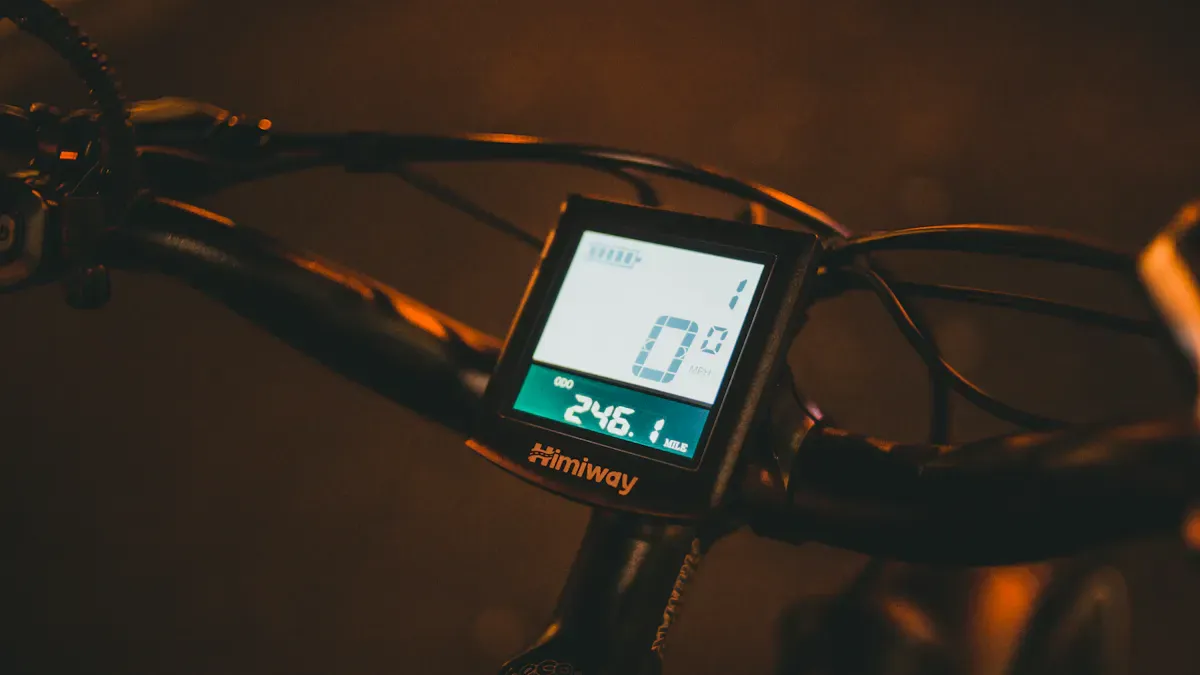
Do you want to know how an e-bike display makes your everyday life easier? Modern displays don't just show you your speed or battery level. They offer helpful comfort and safety features that improve your riding experience. Take a look at what current studies say about the most used features:
Function type |
Examples |
|---|---|
Automatic lighting, hill start assist, standing start assist, various support modes |
|
Safety features |
Blind spot warning, brake lights, maintenance notification, obstacle warning |
With simple tips, you can use your display optimally and avoid typical mistakes.
Important findings
E-bike displays show important information like speed and battery level. These functions increase your safety and help you maintain control.
Use the different support levels to adapt your riding style. Eco mode extends your range, while Turbo mode offers more power.
Pay attention to error messages. They help you identify and fix problems quickly. Many errors can be solved on your own.
Plan your tours with the range display. Consider factors like terrain and weather to arrive safely at your destination.
Personalizing the display improves usability. Adjust brightness and information to your needs to make operation easier.
E-bike display functions at a glance
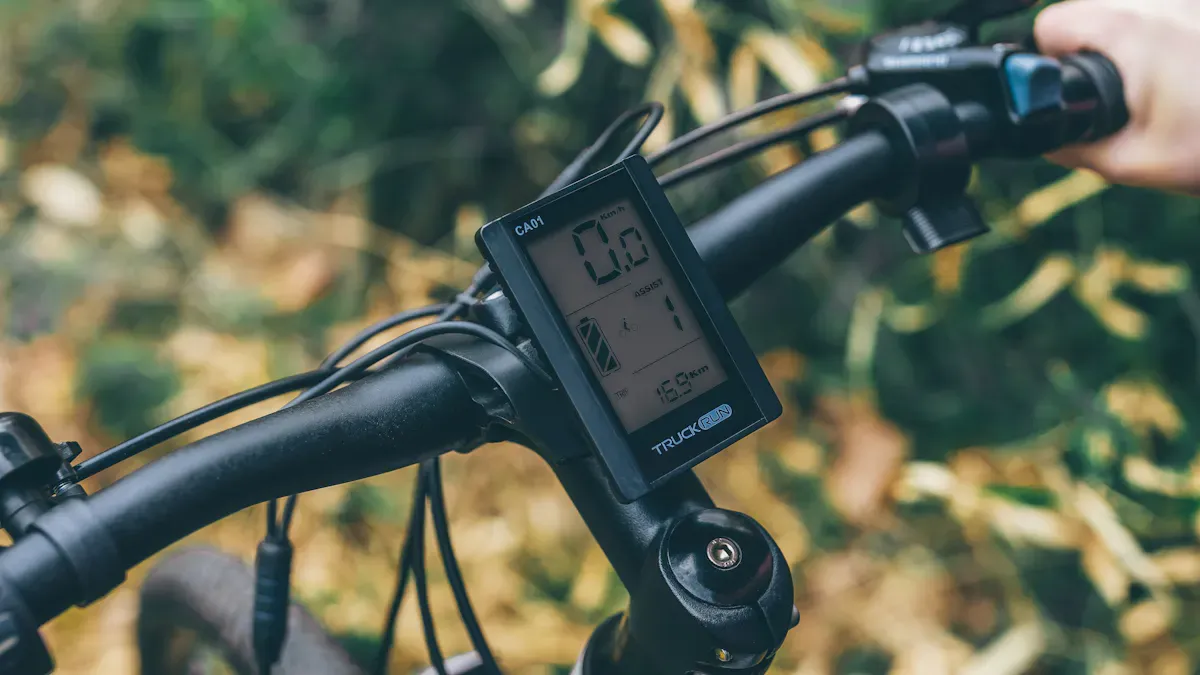
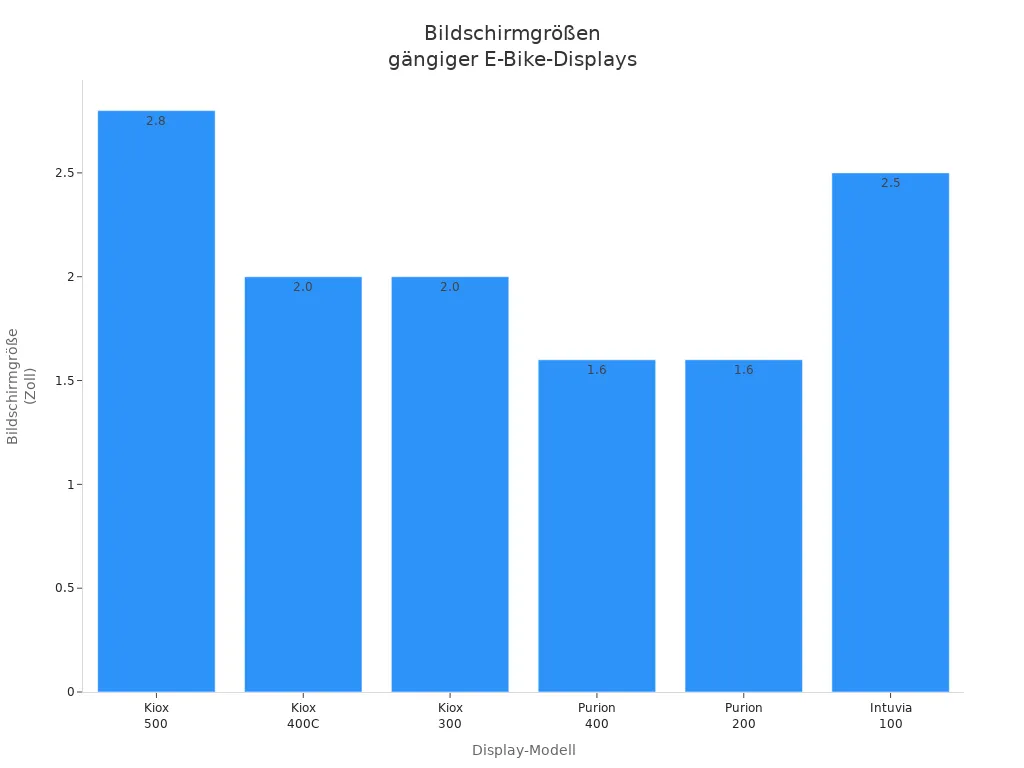
E-bike displays are usually located centrally on the handlebars. You can easily read and operate them. The most important models like the Bosch Intuvia, Purion, and Kiox show you many functions at a glance. Operation is often done via buttons or touch, so you remain safe even while riding.
Display |
Screen |
Color |
Special feature |
Recommended for |
|---|---|---|---|---|
Kiox 500 |
2.8" |
Color |
Detachable, navigation |
Tours / Trekking |
Kiox 400C |
2.0" |
Color |
Top tube integration |
E-MTB / eGravel |
Kiox 300 |
2.0" |
Color |
Sporty, detachable |
E-MTB / Trekking |
Purion 400 |
1.6" |
Color |
Robust, compact |
E-MTB |
Purion 200 |
1.6" |
Color |
All-in-one |
City / Urban |
Intuvia 100 |
2.5" |
B/W |
5 buttons, classic |
City / Trekking |
Displaying speed
You can see your current speed directly on the display. This helps you monitor your pace and adhere to traffic regulations.
Checking battery level
The display shows you the battery charge status. Some models, like the Bafang M600, show the battery level in percent. You can immediately recognize how much further you can ride.
Battery level indicator informs you about the current charge status.
Estimated range is often displayed.
Selecting support levels
You can set different support levels. Most e-bike displays offer:
Eco – for long rides.
Tour – for everyday life.
Sport – for more power.
Turbo – for steep climbs.
Estimating range
The display calculates the range based on many factors:
Total weight
Motor efficiency
Battery capacity
Tire pressure
Shifting behavior
Support level
Terrain shape
Environment
Weather
Temperature
This way, you can plan your tour better.
E-bike ride modes
You can switch between different riding modes. Some displays offer navigation, fitness data, and elevation profiles. You can plan routes and save favorites.
Understanding error messages
The display shows error codes. You can detect problems like overheating, sensor errors, or software issues. The table helps you understand the most important codes:
Error code |
Meaning |
Remedy |
|---|---|---|
W010 |
Drive unit overheated |
Take a break |
W011 |
Speed not detected |
Check sensor |
E010 |
No pedal support |
Restart/Service |
10 |
Undervoltage |
Charge battery |
42 |
Motor fault |
Restart/Specialist dealer |
Tip: Read the error message carefully. This way, you can react quickly and stay safe on the road.
Functions explained simply
Using speed in everyday life
You see your speed directly on the display. This helps you to stay safe and adhere to traffic regulations. The display is clear and easy to read, even in changing light conditions. This way, you can adjust your riding style and stay attentive in traffic.
You monitor your speed in real time.
You adjust your pace to increase safety.
A clear display ensures quick orientation.
Tip: Check your speed regularly, especially near schools or residential areas.
Reading battery level correctly
The e-bike display usually shows your battery level as a percentage or bar. You immediately recognize how much energy is still available. Many displays also calculate the estimated range. This allows you to better plan when you need to charge the battery.
Display type |
Description |
|---|---|
Percentage display |
Shows exact battery charge level |
Bar display |
Visualizes battery level in several steps |
Range |
Estimates remaining distance |
Note: Charge the battery regularly and avoid deep discharge to extend its lifespan.
Support levels at a glance
You select the support level directly on the display. Each level influences how much power the motor contributes. The choice of level has a large influence on energy consumption and your own performance.
Lower levels increase calorie consumption.
The chosen level significantly determines the range.
In Turbo mode, the range decreases significantly.
Switching between Eco and Sport improves the range.
Tip: Change the support levels according to the terrain and your personal fitness goal.
Planning range
You plan your tour with the help of the range display. Experts recommend various strategies to get as far as possible:
Pedal evenly with a high frequency (70–80 rpm).
Check tire pressure regularly to reduce rolling resistance.
Plan your route and consider wind and terrain.
Maintain the battery through proper charging and storage.
Note: The range depends on many factors. With good planning, you will reach your destination safely.
Switching riding modes
You switch riding modes easily via the display. Many users find LCD displays with buttons particularly intuitive. Color displays with smart features offer more possibilities but are more complex and often require an app. Touchscreen displays can be more difficult to operate in the rain.
Color displays offer many functions but sometimes require an app.
Touchscreens are practical but less reliable in bad weather.
Bosch offers personalization and updates with the eBike Flow App. You can adjust settings and optimize riding behavior.
Personalization options |
Description |
|---|---|
Intuitive control |
|
System updates |
Regular updates for the Smart System |
Customizable settings |
Individual adjustment of riding behavior |
Identifying error messages
The display shows you error codes. You immediately recognize if there is a problem. Many errors can be fixed quickly. You can find the most important codes for Bosch displays here:
Error code |
Meaning |
Possible solution |
|---|---|---|
410, 418 |
Blocked buttons |
Check and clean buttons |
414, 422, 423, 424 |
Connection problem |
Check cables and connections |
430 |
Battery empty |
Charge display or switch on e-bike via battery |
431 |
Software version error |
Restart system or perform update |
460 |
USB connection error |
Remove USB cable |
500 |
Motor fault |
Restart system |
502 |
Motor overheating |
Let motor cool down |
503 |
Speed sensor |
Check sensor and magnet, restart system |
530 |
Battery fault |
Remove and reinsert battery |
605 |
Battery temperature issue |
Let battery cool down or warm up, restart system |
Tip: Read the error display carefully. Many problems can be solved on your own. If you are unsure, consult your specialist dealer.
Using a Smartphone as a Display
You can use your smartphone as an e-bike display. This significantly expands the range of functions. Navigation, ride data, and charging functions are available.
Function |
Description |
|---|---|
|
Navigation |
Improved route guidance and route overview |
|
Ride data |
Speed, battery level, and further information |
|
Smartphone charging |
Charging while riding via the battery or USB-C |
The SmartphoneGrip Vertical enables use in portrait mode.
Inductive charging or USB-C provides convenience.
The Ride Screen displays all important data while riding.
Note: Your smartphone offers you more possibilities and helps you stay flexible.
Tips for Use
Optimizing Function Usage
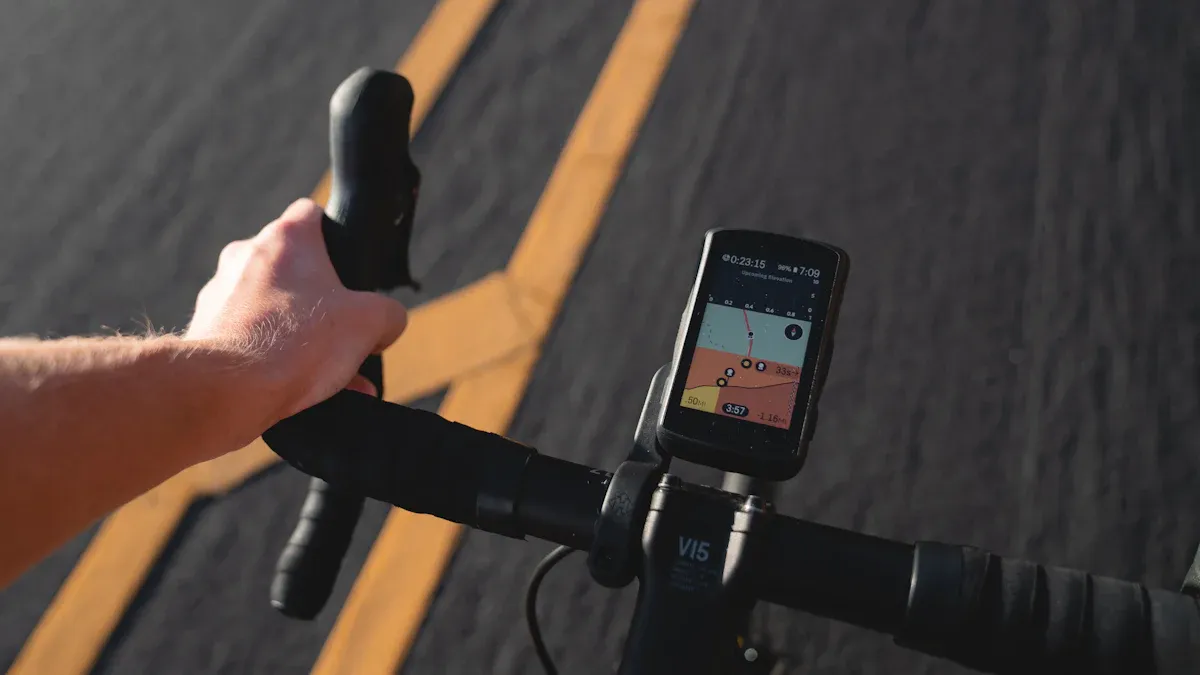
You can make the most of your display by regularly checking and adjusting the settings to suit your needs. Personalization helps you find important information quickly. Adjust the brightness so that the display is easy to read in both sun and shade. Backlighting ensures better visibility. Switch between different cycling data, such as average and maximum speed, to analyze your rides. An audible confirmation tone when pressing a button makes operation easier while riding.
Tip: Check the button functions and ensure you keep an eye on all relevant data like the time, battery level, and assistance level.
Avoiding Errors
Many errors are caused by minor operational mistakes. You can easily avoid them by following a few steps:
Mount the display correctly on the holder. Press it firmly until you hear a click.
Check the battery. Remove it and reinsert it until you feel a "click".
Clean the contacts on the battery and the frame. Remove dirt or moisture.
Check the cable connections from the display to the motor. They must be seated firmly and show no signs of corrosion.
Press the emergency start button on the battery if the display is not working.
Regular inspections help you identify problems early. Check the electronic components and the buttons. Examine the cable connections carefully. This keeps your display reliable.
Everyday Tips for E-Bike Displays
In everyday use, you benefit from good readability and simple operation. The 2.7-inch display size is very easy to read. You can adjust the brightness to use the display in any weather. Three buttons allow for quick operation: On/Off button, lighting, and menu. A confirmation tone makes operation easier while riding. The display constantly shows important information. You can switch between different data and customize the display individually.
Aspect |
Description |
|---|---|
Display size |
2.7" large and very easy to read |
Brightness setting |
Backlighting for better visibility in any light |
Button operation |
Simple operation via three buttons |
Audible confirmation |
Sound when pressing a button |
Displaying relevant data |
Constantly shows time, battery level, speed, and assistance level |
Individual customization |
Switching between different cycling data possible |
Use these tips to control your e-bike safely and comfortably in everyday life.
You benefit from modern e-bike displays because they clearly show your speed, battery level, and range. They increase your safety through warning signals and make riding more comfortable. In the future, you can look forward to interactive features like voice control and AI-powered navigation. Actively use the possibilities and discover new ways to improve your e-bike experience.
Future trend |
Benefit for you |
|---|---|
Voice control |
Easy operation while riding |
AI navigation |
Intelligent route suggestions |
Data-based services |
More comfort and safety |
Look forward to more tips and exciting developments regarding e-bikes!
FAQ
How can I make the e-bike display easier to read in bright sunlight?
Adjust the brightness to a higher setting. Many displays offer automatic adjustment. A sunshade also helps. Check the settings regularly.
What do the error codes on my display mean?
You can find the meaning in the manual or on the manufacturer's website. An error code indicates a problem. You can solve many errors yourself. If you are unsure, the specialist dealer can help.
Can I use my smartphone as an e-bike display?
You can use special mounts and apps like the eBike Flow App. Your smartphone displays navigation, ride data, and battery level. You can charge it while riding.
How do I maintain the display correctly?
Clean the display with a soft cloth. Avoid water and harsh cleaning agents. Check the contacts regularly. A protective cover guards against scratches.
Which functions are particularly useful in everyday life?
You benefit from speed, battery level, and range information. Navigation helps you with new routes. Error displays ensure safety. Assistance levels adjust the riding behavior.