
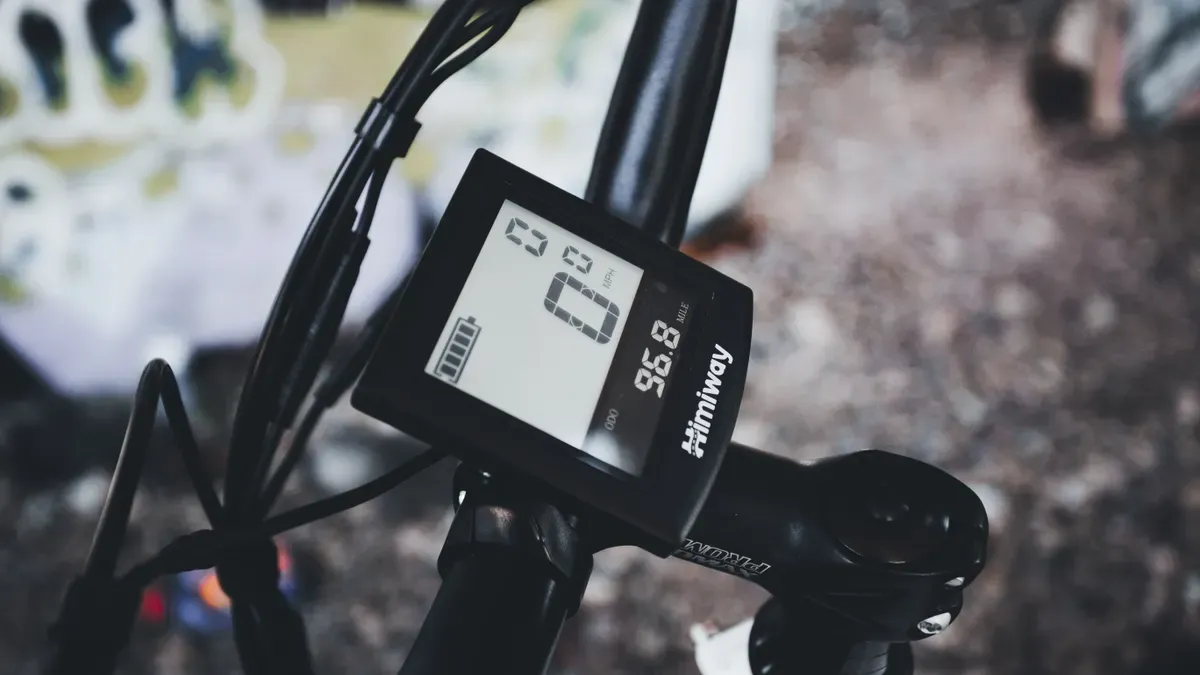
Your display provides you with all important information at a glance in everyday life. You use this central control unit to manage the motor, battery, lights, and your ride data. You can select your settings directly before the ride without any cumbersome searching.
Modern sales figures show the great popularity of this technology:
E-bike share 2025 in Germany: 53% of all bicycles sold
Share of conventional bicycles: 47%
The small device on the handlebars noticeably increases your riding comfort. You can see your current speed and the exact battery level immediately. You can also read your remaining range without any problems. With simple clicks, you can turn on your lights or select the appropriate support for steep paths. This way, you always maintain full control over your bicycle.
Important Insights
You control the motor, battery, and lights directly via your central e-bike display.
Selecting the appropriate support levels saves energy and increases your range on every ride.
Remove your display when parking to protect your e-bike from thieves.
Clean the screen carefully with a damp cloth and avoid high-pressure cleaners.
Basic Functions of the E-Bike Display
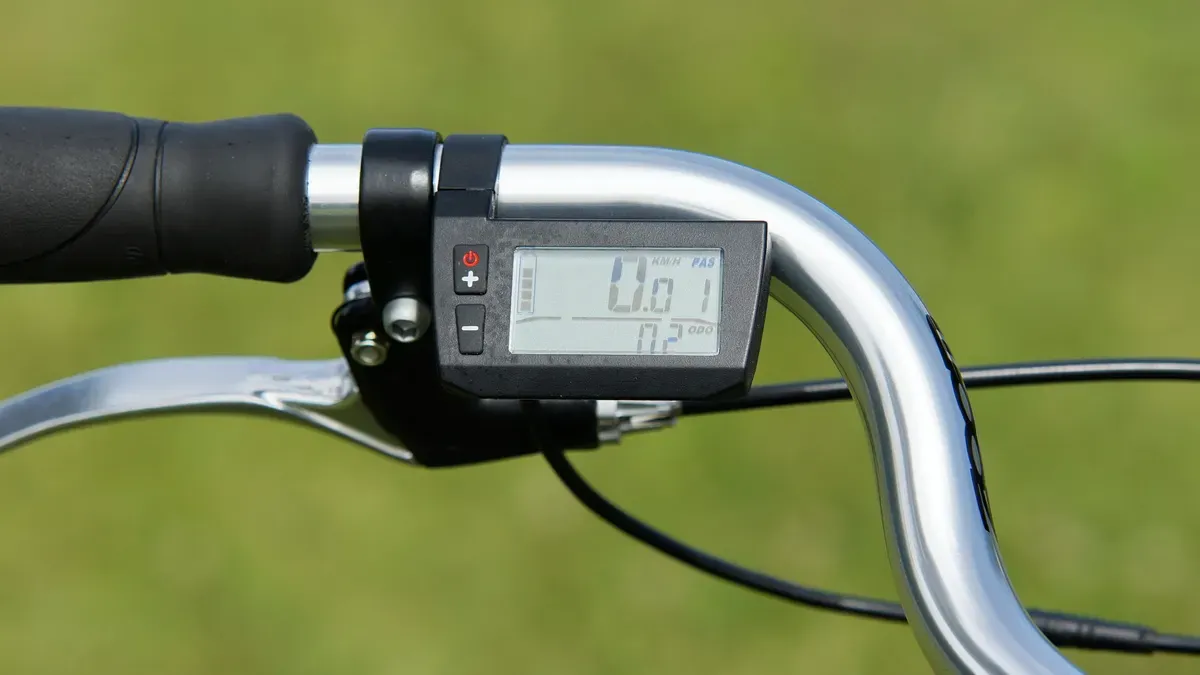
Your screen shows you the most important values directly while you ride. You can effortlessly read your current speed, the exact battery level, and your remaining range at any time. This allows you to plan your trips without worry.
Support Levels and Ride Modes
The chosen support level directly controls the motor power being used. Higher levels provide you with more power on steep inclines. This setting simultaneously increases your energy and battery consumption.
Support Level |
Impact on power consumption & efficiency |
Effect on range |
|---|---|---|
ECO |
Minimum energy requirement, highest efficiency |
Maximum distance |
TOUR |
Moderate consumption with steady power |
High distance |
SPORT / eMTB |
Increased energy requirement for dynamic riding |
Reduced distance |
TURBO |
Maximum power consumption at the expense of efficiency |
Greatly reduced distance |
Dynamic ride modes like the eMTB mode automatically adjust power to your pedaling force. Linear modes, by contrast, provide fixed support without adjusting to the terrain.
Tip for long ranges: Use the ECO mode primarily on flat routes. You will save valuable energy for steep climbs.
Activating Walk Assist Correctly
You can master difficult paths or steep ramps effortlessly with the integrated walk assist. By law, the motor supports you while pushing without pedaling up to a maximum speed of up to 6 km/h. This corresponds to a brisk walking pace.
How to activate the function step by step:
Select an active support level like Eco or Tour (not OFF).
Press the Walk button on your control unit. The “WALK +” display will appear on your screen.
Immediately afterwards, hold down the “+” button. The motor will now automatically push your e-bike.
On systems like Shimano, you hold down the lower arrow button instead until a foot icon or the term “Push” appears.
E-Bike Light and Lighting
You can control your safety lighting conveniently using the buttons on the handlebars. The system immediately confirms activation with an illuminated icon on the screen.
Display model / System |
Action to switch on |
Visual confirmation |
|---|---|---|
Standard display (e.g., Bosch Purion) |
Hold the Plus button (+) for 3 seconds |
Light icon appears |
M+M display |
Press and hold the arrow-up button (3+ sec.) |
Light icon appears |
Displays with dedicated light button |
Briefly press the light button on the bottom right |
Notice text "Light on" |
Pressing the same button again briefly or holding it long will switch your headlights off.
Smart Connectivity and Navigation
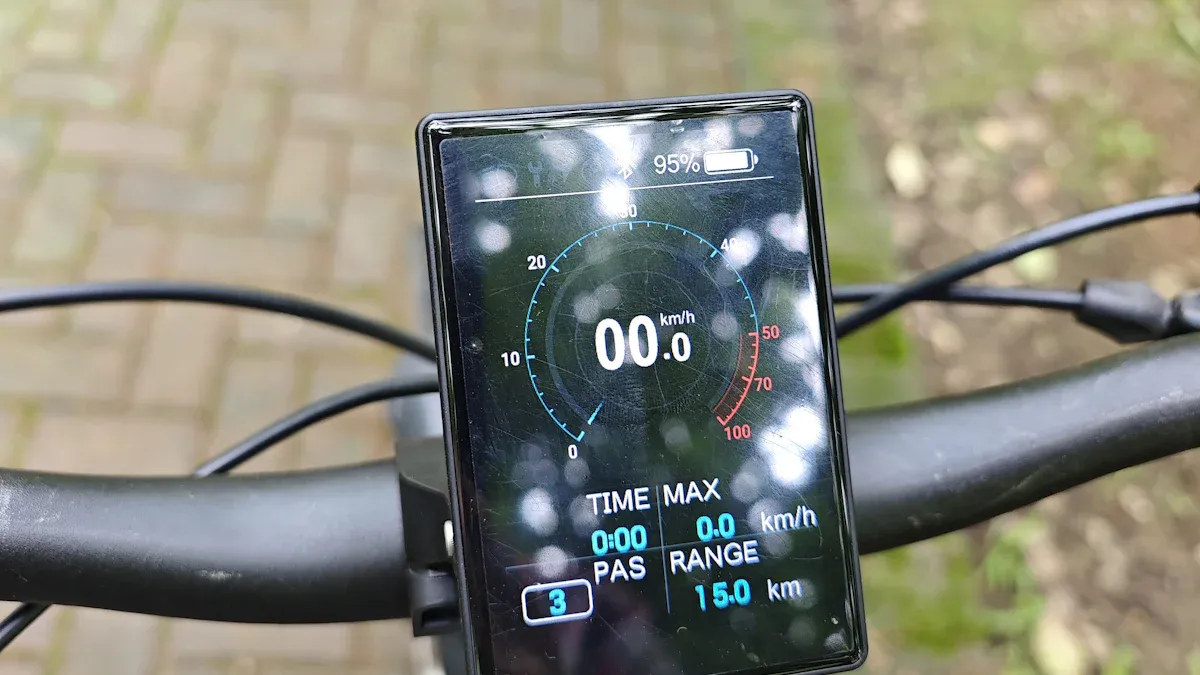
Today, a modern e-bike seamlessly connects to your digital everyday life. You can use your smartphone as a control center and gradually expand the functions on your handlebars.
Performing System Updates
Manufacturers are constantly developing the control software for motors and displays. You can easily install new versions via the wireless connection of your smartphone.
Important note: Keep your smartphone close to the handlebars during the update process. Do not disconnect until the update is fully completed.
Regular software updates offer you tangible benefits:
Benefit of updates |
Concrete utility while riding |
|---|---|
Performance optimization |
Improves motor efficiency and optimizes battery management. |
Feature expansion |
Unlocks new features and improved support modes. |
Bug fixing |
Fixes technical problems and closes security gaps. |
Longevity |
Extends the lifespan of the motor and battery through stable processes. |
Software updates extract noticeably more performance from the system without new hardware. A simple update can, for example, increase the torque of a motor from 85 Nm to 100 Nm. Engineers continuously optimize the internal control for your riding experience.
Settings and Theft Protection
Your screen has long since ceased to be just for data display. You use it to protect your bicycle from thieves and to adjust important parameters to your personal needs.
Display as a Digital Key
Today, you use your control unit as an effective theft deterrent. If you remove the detachable display from its mount when parking, the system deactivates the support. The e-bike becomes useless to thieves. The motor no longer provides power without the correct digital key.
Smart systems offer you additional security settings:
E-Lock function: Your smartphone automatically unlocks motor functions as soon as you approach your bicycle.
Audible alarm: In case of unauthorized movement, your bike emits loud warning signals.
Control unit lockout: Unauthorized persons cannot change menu settings without your authorization.
Readability in Sunlight
Bright daylight sometimes makes it difficult to read your ride data. The installed screen technology determines visibility in direct sunlight.
Display technology |
Characteristics in bright sunlight |
Mechanism / Comparison |
|---|---|---|
OLED display |
Better readability and performance than conventional LCD screens. |
Actively stands out against bright ambient light. |
Transflective display (Memory In Pixel) |
Offers the best readability; the brighter the sunlight, the better the readability. |
Behaves like real paper (similar to E-Ink); does not require its own pixel lighting. |
Transflective screens cleverly utilize incoming sunlight. The brighter the sun shines, the more clearly you can see your data. ☀️
Tip for perfect vision: Regularly clean the display surface of dust and fingerprints. Simply wipe the screen clean with a soft microfiber cloth.
Tire Size and Units
Precise ride data requires correct basic settings. Adjusting the wheel circumference determines the accuracy of your speed display. An incorrectly set tire circumference distorts your mileage data.
The adjustment of distance units between kilometers and miles is done either directly through the display’s configuration settings or using the manufacturer’s associated smartphone app, depending on the e-bike system type. For models like the Bosch Intuvia, the settings menu is accessed by holding down the reset and information ('i') buttons simultaneously. You can then navigate through the menu with the 'i' button to select the desired speed and unit format (km/h or mph).
Troubleshooting and Maintenance
Occasionally, unexpected malfunctions occur on the screen. You can solve small problems yourself in a few simple steps.
Interpreting Error Codes Correctly
Error messages help you with quick diagnosis of problems. The display shows specific numbers or codes for various components.
Code |
Cause |
Measure |
|---|---|---|
500 |
Motor unit malfunction |
Switch the system off and on again. |
503 |
Deviation in spoke magnet |
Check the alignment of the magnet on the rear wheel. |
430 |
Display unit without power |
Charge the battery or use the USB port. |
W010 |
Motor temperature too high |
Let the motor cool down for a few minutes. |
A restart often clears temporary system errors immediately. For persistent warnings, it is best to contact your specialist workshop. 🛠️
First Aid for Display Failure
A black screen doesn't have to stop your ride for long. With a clear step-by-step check, you can find the cause quickly:
Check power supply: Charge the battery fully. Insufficient voltage prevents the onboard system from switching on.
Check cable connections: Inspect all visible connections for a firm fit and damage.
Correct display fit: Remove the display unit from the holder. Reinsert the device firmly afterwards.
Maintain and dry contacts: Wipe damp plug connections dry. Contact spray protects the pins from corrosion.
Perform system reset: Reset the settings via the menu according to the manual.
Tip for battery issues: If your casing uses simple button cell batteries, replace the old cell with a new one.
Waterproofing and Cleaning
Rain showers do not harm modern displays if they have the correct protection rating. The rating tells you the durability of your device:
IPX5: The housing withstands light jets of water and normal rain.
IPX6: The component easily withstands heavy downpours.
IPX7: This class guarantees protection during temporary immersion in water.
High-pressure water jets from a pressure washer can quickly damage the sensitive electronics of your bike. Therefore, clean the surface of your control unit carefully with a damp cloth. For heavy soiling, a little mild soapy water helps. Dry the contacts thoroughly after every cleaning. This will keep your e-bike operational and reliable for a long time. 🌧️
An optimally adjusted display noticeably increases your riding comfort and personal safety on every journey. It ensures you have full control over your motor, battery, and lights at all times.
Perform this short routine check before every long ride:
Readability of the display: Check that the screen is clear and easy to see.
Functionality of the controls: Ensure that the buttons for your assistance levels and light control respond perfectly.
Maintenance of the contacts: Wipe down the housing and keep all plug connections dry. Clean connections ensure long-term functionality.
Use advanced features: Connect your e-bike to your smartphone! Try out digital navigation and smart system updates in your daily life. This way, you will always ride in a relaxed and safe manner. 🚲
FAQ
Can you easily retrofit your e-bike display?
Yes, you can replace many screens after purchase. Be sure to check for compatibility with your motor and battery. A specialist dealer can help you select the right model. This allows you to quickly take advantage of new features such as integrated navigation.
What should you do with the display during heavy rain?
Modern displays can withstand normal rain without any problems. Simply wipe the housing dry with a soft cloth after rides in wet conditions. Avoid using pressure washers at all costs. This reliably protects the installed seals and electronics from damage. 🌧️
Why does your screen show an incorrect speed?
An incorrectly entered wheel circumference directly distorts your riding data. Check this value in the settings menu of your onboard system. Often, the spoke magnet on the rear wheel can also shift. Simply realign the magnet correctly with the sensor.
Can you change the battery in the display yourself?
Some models use internal button cells to store the time. You can quickly replace these batteries yourself with minimal tools. Permanently installed batteries are automatically recharged by the e-bike system while you ride.