
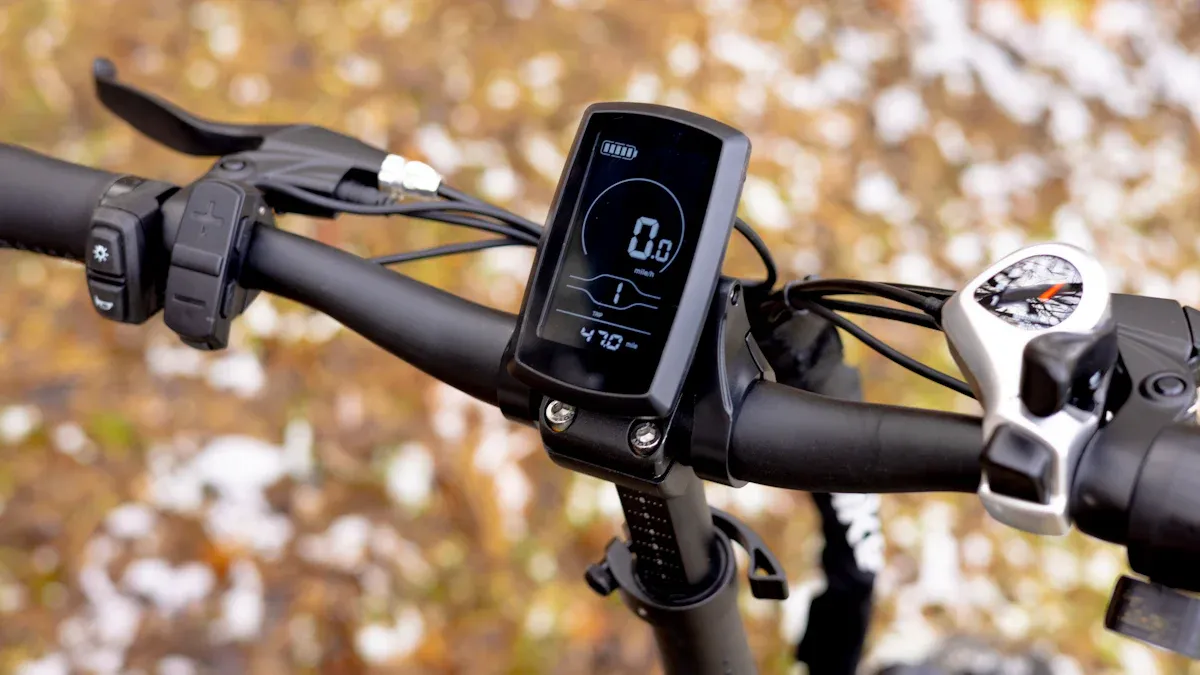
Do you want to know what your e-bike display can do? It shows you at a glance how much further you can ride, how fast you are going, and whether your lights are on. This way, you always have full control while on the go.
Key takeaways
The e-bike display shows the battery level and range. This helps you plan your trips better and avoid surprises.
Speed and riding modes are visible on the display. This motivates you to increase your performance or ride in a relaxed manner.
Error messages warn you about potential issues, allowing you to react quickly and avoid breakdowns.
E-Bike Display: Functions
Battery Level & Range
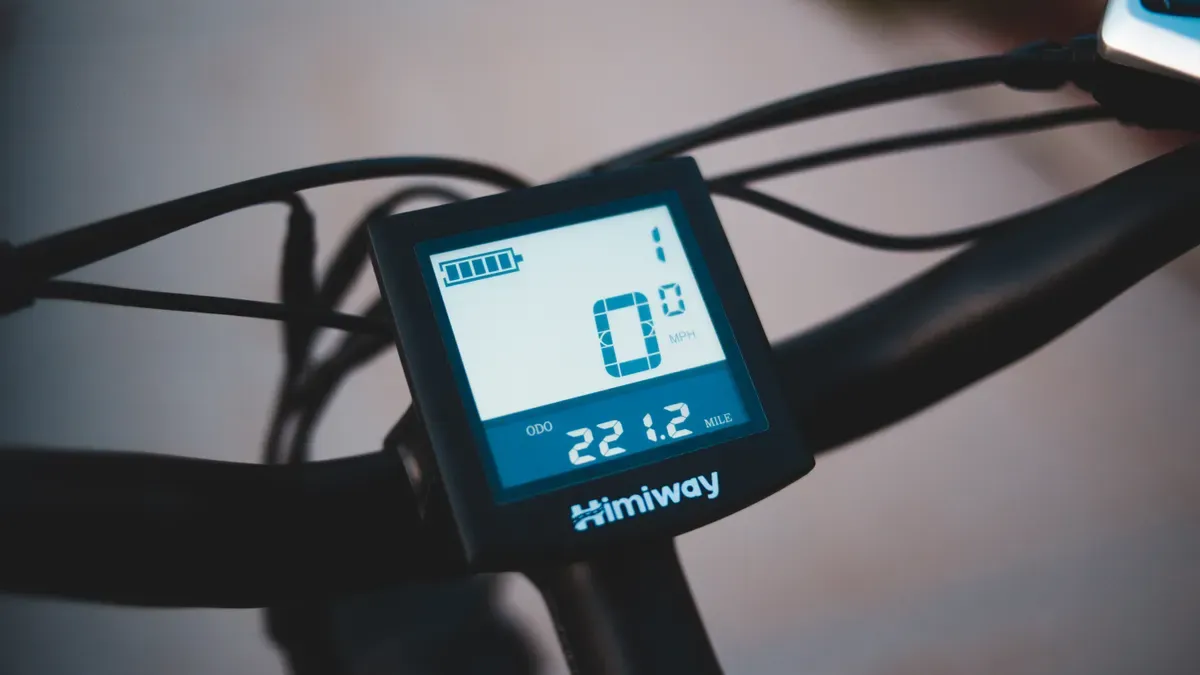
Your e-bike display always shows you the current battery level. This helps you plan your trips better. Many displays use LEDs or a percentage indicator so you can immediately see how much energy remains in the battery. For example, a flashing red LED means you should charge soon. Here you can see how the display is often set up:
Battery Level (%) |
|
|---|---|
100 - 80 |
5 blue LEDs |
60 - 40 |
4 blue LEDs |
30 |
2 orange LEDs |
10 |
1 red LED |
<10 |
flashing red LED |
The range indicator is particularly practical. It adapts to your riding style and takes the selected support mode into account. If you ride sportily or change the mode, the estimated remaining range changes immediately. This way, you always know if you will make it home or if you should plan a stop to charge.
Tip: The range indicator helps you avoid surprises and plan your route safely.
Speed & Riding Modes
With a glance at the display, you can see how fast you are currently riding. Many models also show average and maximum speed. This motivates you to increase your performance or simply cruise in a relaxed way. Here is an overview of what different displays offer:
Display Model |
Functions |
|---|---|
Bosch LCD remote |
Average speed, daily distance, maximum speed, gear shift recommendation |
Bosch Kiox 300 |
Average speed, maximum speed, time, ride time, range, power, cadence, heart rate, altitude |
Riding modes make the e-bike experience flexible. You can choose between dynamic and linear modes. Dynamic modes adapt automatically to the route and provide a natural riding feel. Linear modes offer constant support, which is ideal for even routes.
Support Mode |
Description |
|---|---|
Dynamic modes |
Adapt to the riding situation for a natural ride feel |
Linear modes |
Offer constant support, regardless of the riding situation |
Ride Time & Total Distance
The display shows you how long you have been riding and your total kilometers. This information is not only interesting but also important for maintaining your e-bike. Many dealers use the total distance to plan service intervals. This helps keep your bike safe and reliable.
Note: The total distance display helps you and your dealer determine the right time for inspections. Regular maintenance extends the lifespan of your e-bike.
Time & Light Control
Many e-bike displays show you the current time. That sounds simple, but it is practical when you are on the road and do not want to look at your phone. Light control is another highlight. You can turn the lights on or off at the touch of a button – especially useful in changing light conditions or tunnels.
The Mini Remote and Mini Remote Dropbar make switching lights particularly easy.
The light function increases your safety in road traffic.
You can operate the light directly from the handlebars without taking your hands off the grips.
Error Messages & Warnings
Your e-bike display warns you when something is wrong. Error codes or warning symbols indicate, for example, if the battery is empty or if there is a connection problem. Here you will find typical error messages and what they mean:
Description |
Solution |
|
|---|---|---|
503 (Bosch) |
Motor not assisting, speed 0 km/h |
Align the magnet on the rear wheel sensor |
W011 (Shimano) |
Pressure on pedals while turning on |
Relieve pressure on pedals, restart system |
4xx |
Problem with display or control unit |
Check connections |
5xx |
Problem with drive unit |
Check connections |
6xx |
Problem with battery |
Check connections |
Common warnings also include a low battery, poor connections, or software problems. The display helps you react quickly and avoid more significant damage.
Remember: Error messages protect you from breakdowns and ensure that you are riding safely.
Comparison: What do different manufacturers offer?
Not every e-bike display is the same. Manufacturers offer different functions. Here is a comparison:
Manufacturer |
Display Model |
|
|---|---|---|
Bosch |
Purion |
Speed, battery level, range, trip distance, riding modes, push assistance |
Bosch |
Intuvia |
Ride data, push assistance, gear shift reminder, service reminder |
Bosch |
Kiox |
Fitness data, riding modes, theft protection, navigation (available soon) |
Bosch |
Nyon |
Fitness data, calorie consumption, altitude, app connection |
Brose |
Display Remote |
LED display, push assistance, error information |
Giant |
RideDash Evo |
Color display, app connection, navigation arrows, smartphone notifications |
Price also plays a role. High-quality models often offer more comfort and smart extras like navigation or fitness tracking.
Model |
Price Category |
|
|---|---|---|
Bosch Intuvia |
Mid-range |
Large LCD, detachable, lots of ride data |
Bosch Kiox 300 |
High-end |
Color display, smartphone connection |
Bosch Kiox 500 |
Premium |
GPS navigation, fitness tracking, smart features |
Shimano SC-E5003 |
Entry-level |
Simple LCD, basic functions |
Brose |
High-end |
Clear display, good cockpit integration |
Fazua |
Minimalist |
Subtle display, app-controlled |
With these functions, you have everything in view and can make the most of your e-bike, whether on the way to work or on a long trip.
Operating & Caring for Your E-Bike Display
Operation & Mounting on the Handlebars
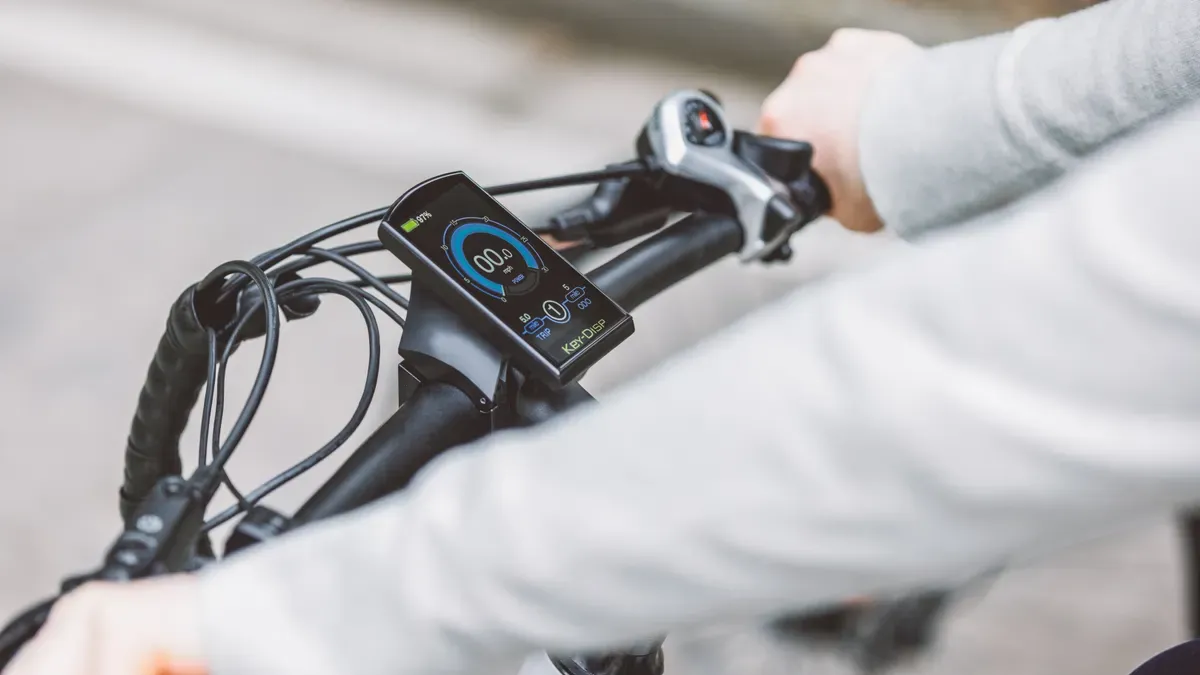
Would you like to operate your display easily? Many models offer intuitive user interfaces. You can switch the lights on, change riding modes, or read the speed at the touch of a button. Modern displays rely on ergonomic control concepts. The control unit is often located right near your thumb. This way, you can control everything without taking your hands off the handlebars.
A comparison shows you the most popular operating concepts:
Aspect |
Description |
|---|---|
Intuitive user interfaces |
Fluid operation through modern technologies. |
Ergonomic analysis |
Human factors ensure greater comfort. |
User testing |
Optimized surfaces through comprehensive testing. |
The mounting depends on the model. You will find various options:
Control unit without display: Minimalist and simple.
All-in-one solution: Compact and optimally readable.
Large display with control unit on the handlebars: Large font for better visibility.
Touch function: Operation via touchscreen or button.
For mounting, you usually need these tools:
Tool type |
Tools required |
|---|---|
Hex key (Allen key) |
2 mm, 2.5 mm, 3 mm, 4 mm, 5 mm, 6 mm |
Other tools |
Torx TX25, Phillips/flat-head screwdriver, 15 mm wrench |
Readability & Maintenance
Readability plays a major role in your safety. A TFT color display offers a clear view, even in sunlight or darkness. Menu navigation remains clear. The screen layout adapts to different situations. This allows you to quickly recognize all information and stay safe while on the go.
You should clean the display regularly. Use a soft cloth and avoid aggressive cleaning agents. Check the mount and cables. This keeps your display functional for a long time. A well-maintained display ensures a pleasant riding experience.
Tip: A clean display and secure mounting make every ride more relaxing. 😎
With your e-bike display, you have everything in view: speed, battery level, navigation, and fitness data. Use the features regularly to analyze your performance and ride safely.
Tip: Clean the display with a soft cloth and adjust the settings before every ride. 🚲
FAQ
What does the e-bike display show during everyday use?
You can see the battery level, speed, range, and riding modes. The display helps you keep track of everything.
Tip: Check the displays before every ride.
What should I do if the display shows an error code?
Check the cables and connections.
Restart the system
Consult the manual
Ask your dealer
What is the benefit of the light control on the display?
You can switch the light on or off directly from the handlebars. This increases your safety.
Function |
Benefit |
|---|---|
Light control |
Greater visibility |