
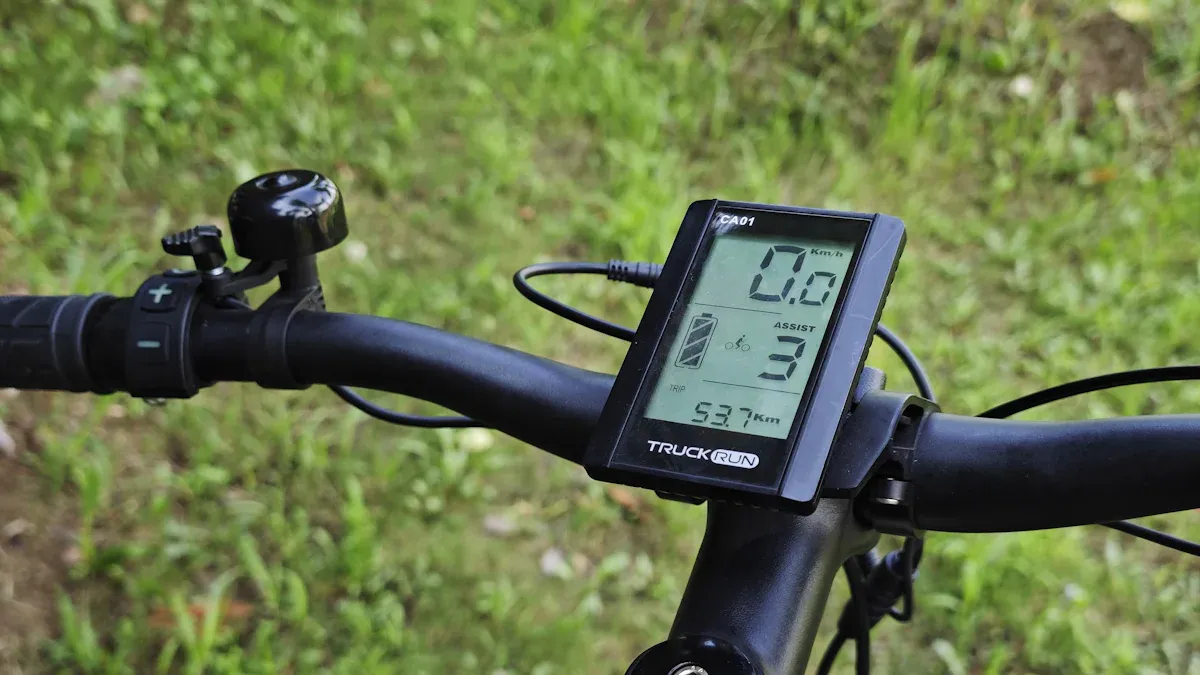
An e-bike display shows you important information such as speed, battery level, and range directly on the handlebars. These values help you maintain control over your e-bike and stay safe on the road. Many riders also highly value comfort and safety features:
Category |
Popular Feature |
|---|---|
Hill-start assist, support modes |
|
Safety features |
Brake lights, blind-spot warning |
With the e-bike display, you can often even adjust special settings or use functions like the walk-assist button.
Key Takeaways
E-bike displays show important information such as speed, battery level, and range. These values help you ride safely and in control.
The walk-assist button makes pushing the e-bike easier, especially on inclines or with heavy luggage. This saves you energy and allows for better control of the bike.
Regular software updates improve the functionality and safety of your e-bike display. Keep your display up to date for optimal performance.
E-Bike Display – Main Functions at a Glance
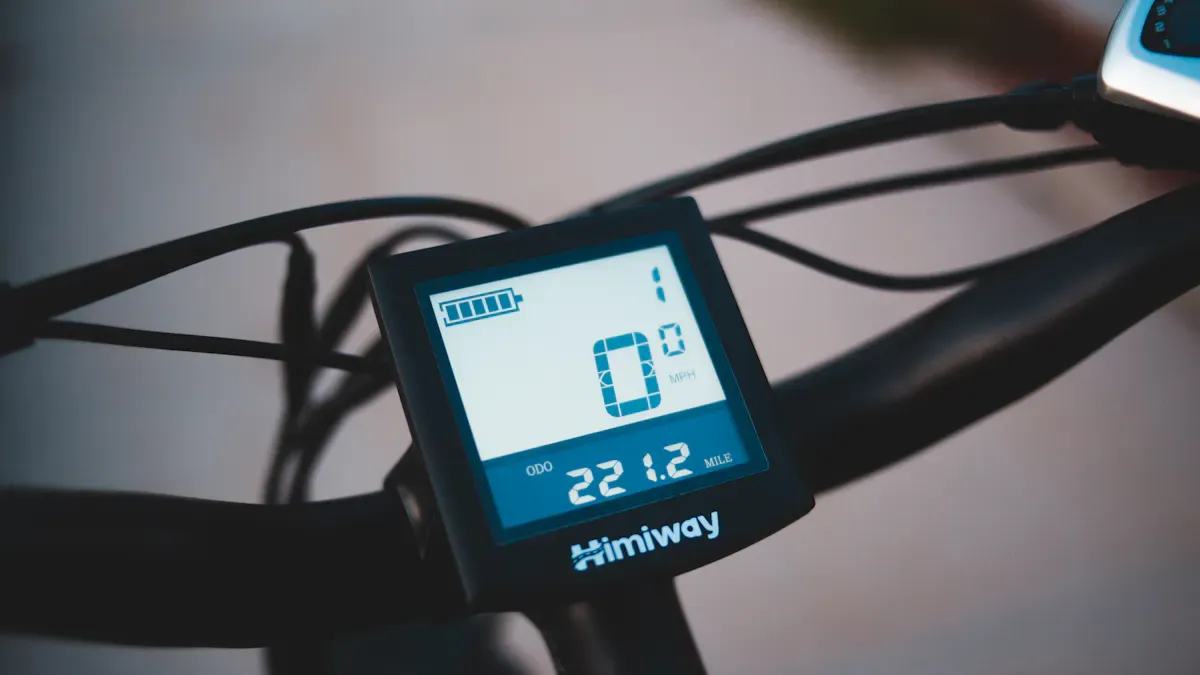
An e-bike display is usually positioned in plain view on the handlebars. You can easily read and operate it while riding. It provides you with all the important information so you can enjoy your tour safely and in a relaxed manner. I will now introduce you to the most important functions and displays.
Speed and Distance
You can always see your current speed on the e-bike display. This readout helps you control your pace and adhere to speed limits. Modern displays measure speed using various sensors. The following table shows you the differences:
Sensor Type |
Advantages |
Disadvantages |
|---|---|---|
Reed switch |
Inexpensive, simple, requires no extra power |
Less precise |
Hall sensor |
Compact, reliable, resistant to shocks/dirt |
Requires power supply |
In addition to speed, the display also shows you the distance traveled. You can choose between trip kilometers (Trip) and total kilometers (ODO). This way, you always know how far you have ridden and can better plan your tours. Many riders use these values to track their performance or set new goals.
Tip: The total distance display helps you adhere to maintenance intervals and keep an overview of your e-bike's lifespan.
Battery Level and Range
The battery level is one of the most important displays on any e-bike. You can see at a glance how much energy is left in the battery. The display is usually shown as a percentage or a bar icon. Some displays even show you the estimated remaining range in kilometers. This helps you plan your ride better and avoid surprises.
Display Type |
Description |
|---|---|
Percentage |
Shows the exact charge level in percent |
Bar icon |
Visualizes the battery level as a bar |
Range planning |
Estimates how far you can still go with the current battery |
The range display adjusts dynamically to your riding style and the selected support level. Many factors influence the range, for example, your weight, the terrain, the temperature, or the wind. If you ride in Eco mode, you will get much further than in Turbo mode.
Level of support: The higher, the shorter the range.
Fitness: Those who pedal vigorously save battery.
Terrain and weather: Hills and headwinds consume energy.
Riding Modes and Support Levels
With the e-bike display, you choose different riding modes and support levels. You decide how much the motor should support you. Most displays offer at least three levels, some even up to five or more. Here is an overview:
Manufacturer |
Support Levels/Riding Modes |
|---|---|
Simple displays |
3 (e.g., Eco, Sport, Turbo) |
Bosch |
|
Complex solutions |
up to 15 different modes |
Every level has an impact on energy consumption and range:
Support Level |
Energy Consumption |
Range |
|---|---|---|
Eco |
Low |
High |
Sport |
Medium |
Medium |
Turbo |
High |
Low |
When you ride in Turbo mode, you consume more energy and the range decreases. In Eco mode, the battery lasts the longest. You can change the levels depending on the route and your needs.
Further Displays: Ride Time, Cadence, Total Distance
Many e-bike displays offer you even more information. These include:
Additional Display |
Description |
|---|---|
Ride time |
Shows how long you have been riding |
Cadence |
Shows pedal revolutions per minute |
Total distance |
Shows the total distance traveled |
With these values, you can control your training or simply track how active you are out of curiosity. The cadence display helps you ride more efficiently and conserve the battery. The ride time shows you how long you have been out – practical for longer tours.
Note: Real-time data such as battery level, speed, and range ensure more safety and comfort. You can adjust your ride at any time and stay informed.
The e-bike display not only makes your ride safer but also more comfortable. It gives you control over all important values and is easy to operate – directly on the handlebars.
Operation and Individual Settings
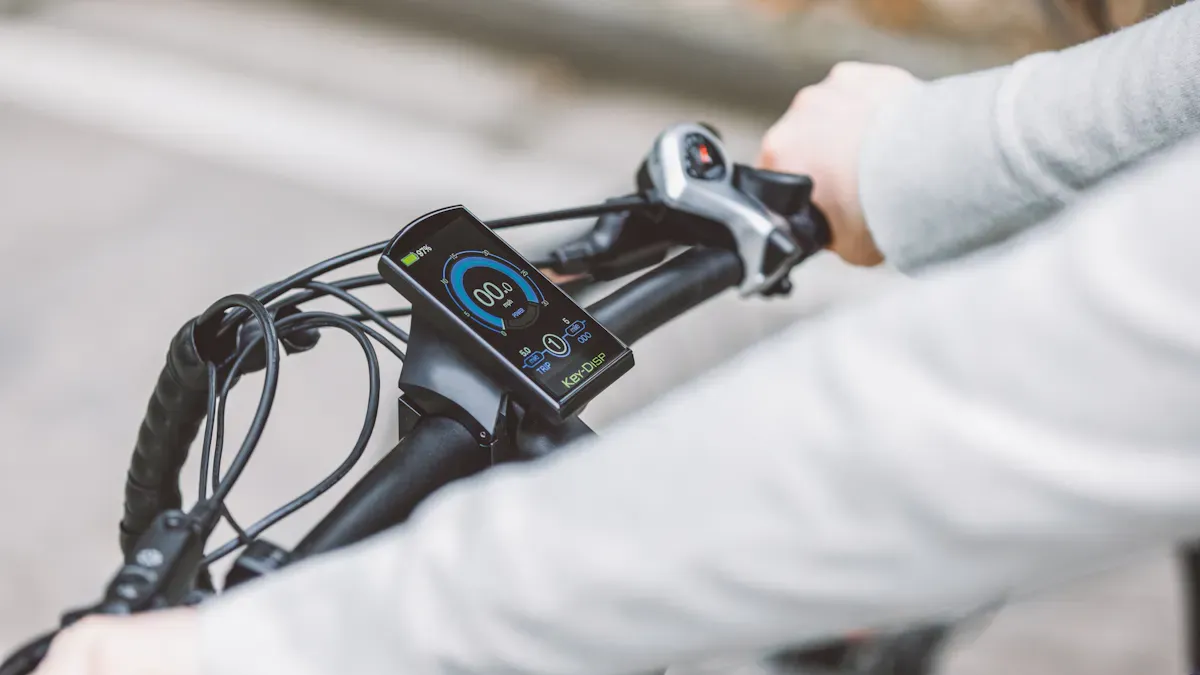
Walk-Assist Button and Light Control
You can also push your e-bike without exerting yourself. The walk-assist button helps you with this. When you press it, the push-assistance activates. The motor assists you with a gentle force. This is particularly practical if you have to push up a steep hill or have heavy bags on the bike. This saves you energy and makes it easier to move forward.
The main advantages of the walk-assist button:
The push-assist starts when you press the walk-assist button.
The motor helps you while pushing, especially on inclines or with heavy luggage.
You need to exert less force and can better control the bike.
Many e-bike displays also offer light control. You can switch the light on and off directly on the display. This ensures more safety, especially in the dark or during bad weather. In some countries, there are even regulations regarding when the e-bike light must be switched on. Light control is often linked to a dedicated button on the display.
Aspect |
Description |
|---|---|
Maximum speed |
In some countries, there are legal restrictions for e-bikes, such as a maximum speed. |
Motor power |
There are also regulations regarding the maximum motor power of e-bikes. |
Tip: Check if your light works before every ride. This way, you are always safe on the road.
Display Settings and Configuration
You can adjust many settings on the e-bike display yourself. This makes your ride even more pleasant. Modern displays offer you various options:
You can select which values are displayed, for example, speed, time, or range.
Many displays can be connected to a smartphone. This allows you to plan tours or save data.
Some models offer increased water protection according to IPX6. This protects the display in the rain.
There is often a USB-C charging port. You can use this to charge your phone on the go.
Operation is usually done via buttons on the display. This allows you to control the light, support levels, and other functions.
You can change the order of the display pages. Simply drag the desired pages to the correct position. You can also add new pages or edit existing ones. Many systems allow for up to 13 different display pages.
Change the order of the ride screens according to your wishes.
Edit the content of individual pages to see only the most important info.
Add new pages if you need more data.
The user interface differs depending on the model. Here are a few examples:
Display Model |
User Interface |
Functions |
Compatibility |
|---|---|---|---|
Purion |
Simple and clear |
Combines display and control unit |
Expandable with Smart System |
Intuvia |
Intuitive and ergonomic |
Various riding modes |
Compatible with COBI.Bike app |
Kiox |
High-resolution |
Detailed ride data and navigation |
Connection with smartphones |
Nyon |
High-resolution |
Navigation and data transfer |
Connection with smartphones |
Note: Adjust the display so that you always have the most important information in view while riding.
Error Codes and Maintenance Tips
Sometimes the e-bike display shows an error code. This helps you identify and fix problems quickly. Here you will find an overview of the most common error codes and what you can do:
Error Code |
Cause |
Remedy |
|---|---|---|
A1 |
Motor unit (sensors) |
Turn the system off and back on after 20 seconds. |
A2 |
RideControl unit |
Check the plug connection and replace if necessary. |
A3 |
Bluetooth |
Switch the system off and back on again after 20 seconds. If the problem persists, the control unit must be replaced. |
SPD SNSR/CHK MAGNET |
Spoke magnet on the rear wheel twisted |
Check the position of the spoke magnet. |
31/32 |
Cable defect between sensor and controller |
Switch the system off and back on again. If the error is no longer displayed, you can continue riding. |
430 |
Internal battery of the on-board computer is empty |
Recharge the on-board computer. |
503 |
Speed sensor error |
Check the fit of the spoke magnet. |
You should clean your display regularly. Use a soft, damp cloth for this. Avoid aggressive cleaning agents. Ensure that no moisture enters the housing.
Regular software updates provide many advantages. They improve the motor support, safety, and functionality of your e-bike display. Manufacturers such as Bosch or Shimano offer updates that you can install via an app or at a specialist dealer.
Advantage |
Example or description |
|---|---|
Improved motor support |
Bosch upgraded the CX Gen 5 motor from 85 to 100 Nm via an update. |
Optimized shifting characteristics |
Shimano regularly improves the shifting characteristics. |
Improved safety |
Updates increase the safety of e-bike displays. |
Functional improvement |
New functions and better operation through regular updates. |
Tip: Keep your display and software up to date. This ensures your e-bike remains safe and reliable.
You benefit from your e-bike display in many ways:
You can read important information quickly.
You can operate the display intuitively.
You can use GPS and fitness tracking.
You can customize everything individually.
Aspect |
Description |
|---|---|
Intuitive operation |
You control your display easily and ergonomically. |
Individual settings |
You choose what you want to see. |
You can see everything in any light. |
New trends bring you integrated displays, AI functions, and over-the-air updates. This makes every ride even more enjoyable and keeps you perfectly informed.
FAQ
How can I clean the e-bike display?
Use a soft, damp cloth. Avoid aggressive cleaning agents. Protect the display from water and dust.
What do error codes on the display mean?
Error codes indicate problems with the e-bike. You can find the meaning in the manual. You can resolve many errors by restarting or checking plug connections.
Can I connect the display to my smartphone?
Many displays offer Bluetooth. You can use apps for navigation or fitness data. You can easily synchronize tours and settings with your mobile phone.