
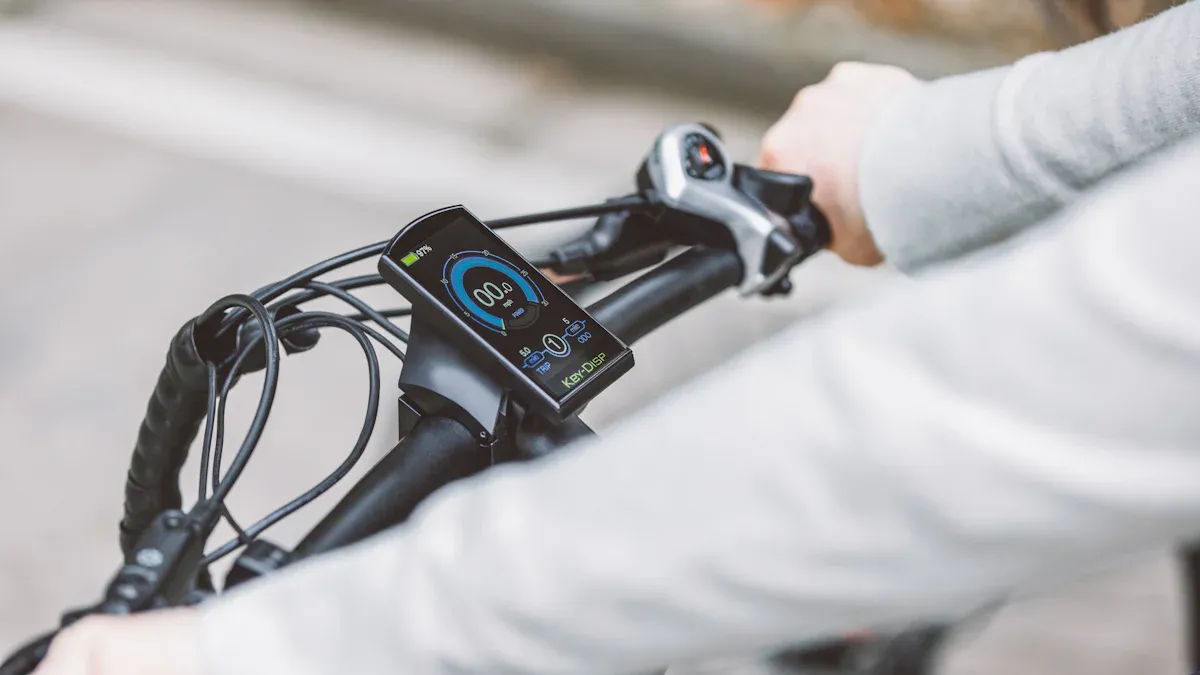
Choosing the right Bosch eBike display can significantly enhance your riding experience. Each display offers different features tailored to specific needs. Consider how often you ride, which information is important to you, and how simple you want the operation to be. This will help you find a solution that perfectly matches your riding style.
Key Takeaways
Choose the Bosch display that suits your riding style. Consider whether you are an occasional, daily, or sporty rider.
Purion and Intuvia are good for casual riders. They are easy to use and show important information quickly.
Kiox and Nyon are great for sporty riders. They include extras like Bluetooth and GPS for better rides.
The SmartphoneHub turns your phone into an eBike screen. It is flexible and allows for the use of apps while on the go.
Check if the display is easy to operate. It should also match your eBike. A simple display makes riding safer.
Overview of Bosch eBike Displays
Purion: Minimalist and functional
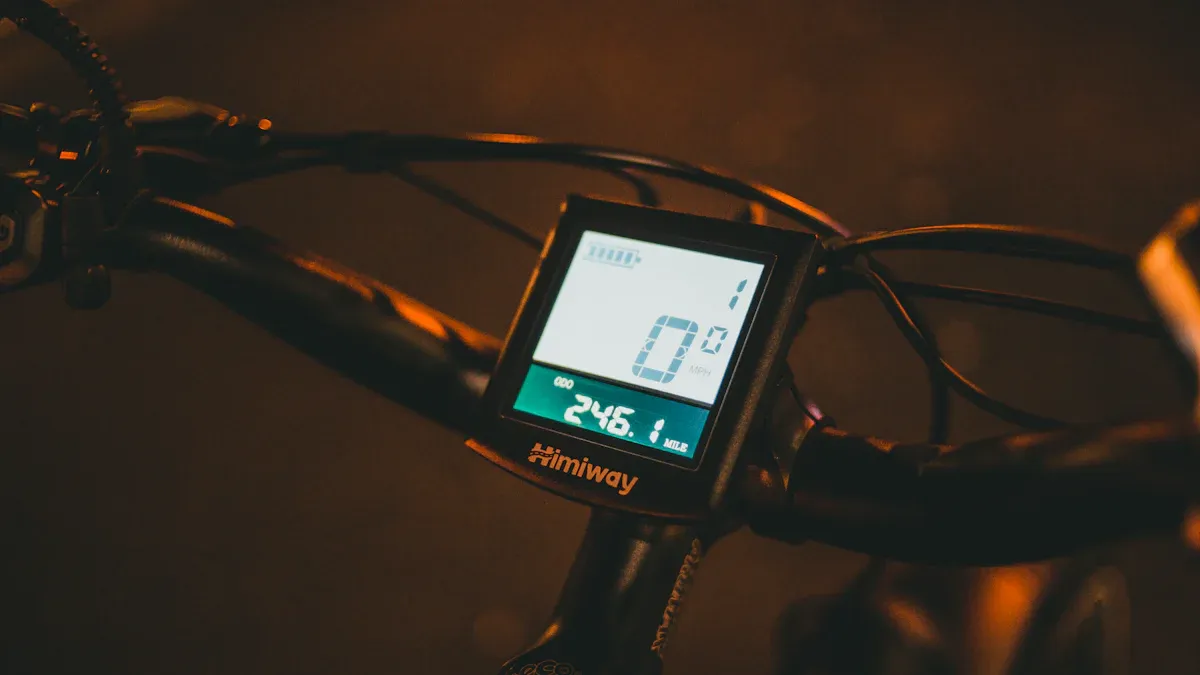
The Purion display is the ideal choice if you prefer a clean and minimalist design. It provides all essential information at a glance without overwhelming you with unnecessary details. With its compact 1.6-inch display and high contrast, you can easily read the data even in direct sunlight.
Its intuitive operation allows you to focus fully on the trail ahead. The Purion is particularly practical for eMTB and eTrekking riders who value functionality. Thanks to its robust construction, it withstands impacts, splashes, and dust without any issues. An integrated buzzer provides acoustic feedback for system messages, keeping you informed at all times.
Feature |
Description |
|---|---|
Design |
Compact, sporty design for a clean handlebar look |
Display |
High-resolution 1.6-inch display (320 x 160 pixels) with high contrast |
Durability |
Protected against impacts, splashes, and dust |
Operation |
Intuitive operation to keep focus on the trail |
Application |
eMTB, eTrekking |
Compatibility |
Compatible with Bosch eBike systems featuring the smart system |
Acoustic alerts |
Integrated buzzer for system messages |
Updates |
Updates and new features via the eBike Flow App |
Intuvia: User-friendly and practical
The Intuvia display is aimed at riders looking for a simple and practical solution. It offers a user-friendly interface that is easy to understand, even for beginners. With its central position on the handlebar, you always have essential information such as speed, range, and support level in view.
A major advantage of the Intuvia is the separate control unit, which you can conveniently operate with your thumb. This keeps your hand safely on the handlebar. This display is particularly suitable for commuters and everyday riders who value comfort and clarity.
Kiox: Sporty and compact
The Kiox display is perfect for you if you ride in a sporty manner and prefer a compact, modern design. With its 1.9-inch color display, it offers excellent readability, even in difficult lighting conditions. The robust construction with scratch-resistant Gorilla Glass ensures the display remains intact even during demanding rides.
Another highlight is the Bluetooth functionality. It allows you to connect the Kiox to your smartphone or a heart rate monitor to optimally manage your training. The integrated battery provides up to 20 minutes of power even when the display is detached from the eBike.
Feature |
Description |
|---|---|
Display size |
1.9-inch high-resolution color display offering good readability in various light conditions. |
Construction |
Robust design with scratch-resistant Gorilla Glass to prevent scratches and damage. |
Position |
Centrally placed for an ideal viewing angle. |
Battery |
Integrated battery provides up to 20 minutes of power in off-board mode. |
Bluetooth functionality |
Enables communication with smartphones and heart rate monitors for optimal training control. |
Software updates |
Bluetooth Low Energy interface for wireless software updates. |
With the Kiox display, you can efficiently pursue your fitness goals while benefiting from a modern, user-friendly design.
Nyon: Versatile and connected
The Nyon display is the perfect choice if you are looking for a versatile and connected riding experience. With its 3.2-inch color touchscreen, it offers intuitive operation and a clear display of all important information. You can switch between different views to show speed, range, or navigation data.
A special highlight is the integrated GPS navigation. It helps you discover new routes and reach your destination safely. Thanks to the connection to the eBike Connect App, you can synchronize your ride data and perform detailed analyses. The Nyon is ideal for riders who love technology and want to customize their tours.
Tip: Use the fitness function of the Nyon to track your training goals. It displays data like heart rate and calorie consumption when connected to a heart rate monitor.
Feature |
Description |
|---|---|
Display size |
3.2-inch color touchscreen for intuitive operation |
Navigation |
Integrated GPS navigation for precise route guidance |
App compatibility |
Connection to the eBike Connect App for data analysis and synchronization |
Fitness function |
Display of training data such as heart rate and calorie consumption |
Versatility |
Customizable views for different riding needs |
SmartphoneHub: The smart all-in-one solution
The SmartphoneHub turns your smartphone into a full-fledged eBike display. With the COBI.Bike App, you can connect your phone to the hub and use all its features. It shows you speed, battery level, and navigation data directly on your smartphone.
This display is particularly practical for tech enthusiasts who always have their smartphone with them anyway. You can control music, make calls, and even check weather information without letting go of the handlebars. The SmartphoneHub is a modern solution for riders who appreciate flexibility and connectivity.
Another advantage is the ability to charge your smartphone while riding. This keeps your phone ready for use, even on long tours. With voice control, you can use many functions without taking your eyes off the road.
Feature |
Description |
|---|---|
Smartphone integration |
Connection to the COBI.Bike App for comprehensive features |
Navigation |
Display of route guidance directly on the smartphone |
Charging function |
Ability to charge the smartphone while riding |
Voice control |
Voice operation for increased safety |
Versatility |
Access to music, calls, and weather information |
Which Bosch display fits your eBike riding style?
Occasional riders: Purion or Intuvia
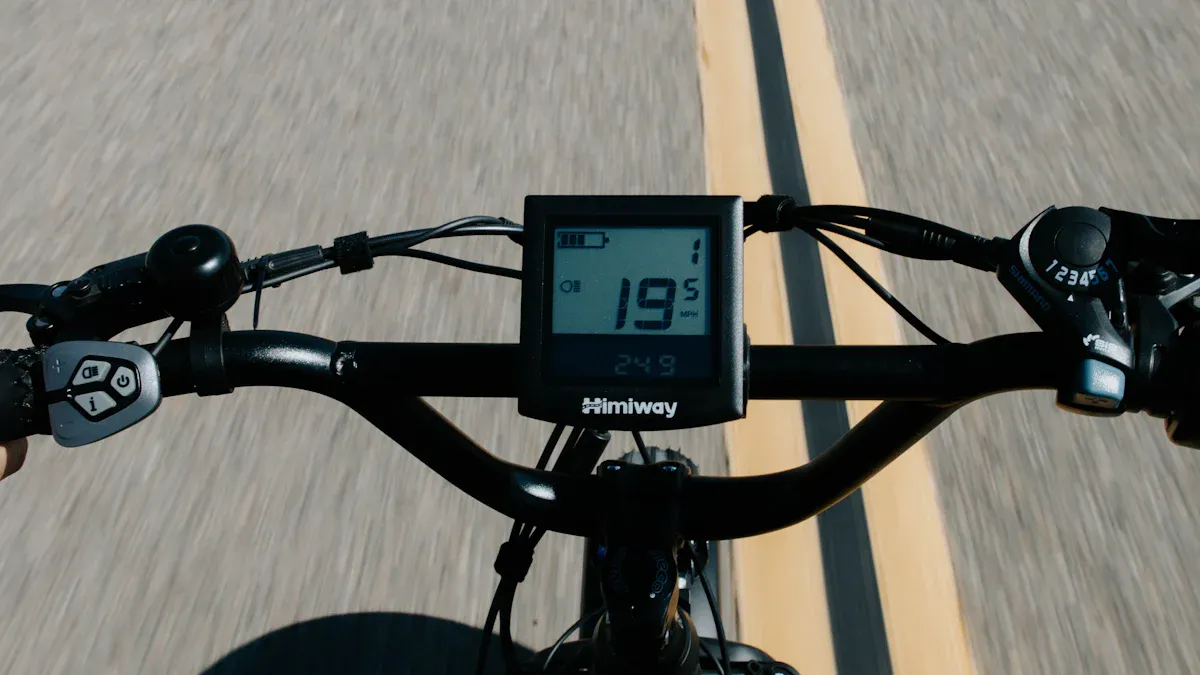
If you only use your eBike occasionally, you likely want a display that is easy to operate and displays the most important information clearly. The Purion and Intuvia are the best options here. Both displays offer intuitive operation and focus on the essential functions you need for relaxed rides.
Display |
Features |
|---|---|
Intuvia |
Offers a user-friendly interface with basic functions for occasional riders. |
Purion |
A compact and minimalist option for users who value simplicity and efficiency. |
The Purion scores points with its minimalist design and compact size. It is ideal if you prefer a clean cockpit. The Intuvia, on the other hand, offers a larger display and a separate control unit that you can comfortably operate with your thumb. Both displays allow you to focus fully on the ride without being distracted by unnecessary features.
Tip: If you value a larger font and a clear layout, the Intuvia is the better choice.
Commuters and everyday riders: Intuvia or Kiox
For commuters and everyday riders, displays that are both practical and versatile are important. The Intuvia and the Kiox fulfill these requirements perfectly. They offer you features that make daily use easier while ensuring a pleasant riding experience.
-
Intuvia:
Intuitive and simple operation for everyday use.
Clear 2.5-inch display with large font and high contrast.
Detailed ride data such as speed, range, battery level, and ride mode.
Shift recommendation for a more efficient riding style.
eBike Lock display for theft protection.
Activity data accessible directly on the display.
-
Kiox:
Compact 1.9-inch color display.
Automatic display brightness for different environments.
Robust Gorilla Glass protects against scratches.
Excellent readability in direct sunlight and darkness.
Integrated battery for up to 20 minutes of power in off-board mode.
The Intuvia is ideal if you are looking for a simple and clear solution. It shows all important information at a glance and is particularly suitable for eCity and eCargo bikes. The Kiox, conversely, is aimed at riders who prefer a sportier design and additional features such as Bluetooth connectivity.
Note: If you often ride in the city, the Intuvia with its theft protection display might be particularly useful.
Sporty riders and adventurers: Kiox or Nyon
Sporty riders and adventurers need a display that is not only robust but also offers numerous features to optimize the riding experience. The Kiox and Nyon are the best companions here.
The Kiox impresses with its compact design and the ability to connect it to a heart rate monitor or smartphone. It is excellent for riders who want to keep an eye on their training data. The robust construction with Gorilla Glass makes it ideal for demanding trails and off-road adventures.
The Nyon, on the other hand, takes the riding experience to a new level. With its 3.2-inch touchscreen and integrated GPS navigation, you can discover new routes and plan your tours precisely. Connecting to the eBike Connect App allows you to analyze your ride data and track your fitness goals. These features make the Nyon the perfect choice for adventurers who love technology and want to customize their rides.
Tip: Use the range-based navigation of the Nyon to ensure you always have enough battery for the trip home.
Tech enthusiasts and versatile users: Nyon or SmartphoneHub
If you are a tech enthusiast and are looking for a display that offers versatile features, the Nyon and the SmartphoneHub are the best options. Both displays cater to users who value innovative technology and seamless integration into their daily lives.
Nyon: The all-in-one display for tech lovers
The Nyon display offers you a comprehensive riding experience. Its 3.2-inch touchscreen allows you to operate all functions intuitively. The integrated GPS navigation helps you discover new routes and plan your tours precisely. Thanks to the connection to the eBike Connect app, you can synchronize your ride data and perform detailed analyses.
A highlight of the Nyon is the range-based navigation. It shows you how far you can still travel with your current battery charge. This makes it especially practical for longer tours. Users appreciate the intuitive operation and the multitude of features that the Nyon offers. It is ideal for riders who love technology and want to customize their rides.
SmartphoneHub: Your smartphone as a display
The SmartphoneHub turns your smartphone into a full-fledged eBike display. With the COBI.Bike app, you can connect your phone to the hub and have all important information such as speed, battery status, and navigation data displayed directly on your smartphone.
This display is particularly practical if you always have your smartphone with you anyway. It allows you to control music, make calls, and retrieve weather information without taking your hands off the handlebars. Users report high usability for the SmartphoneHub but also appreciate the ability to charge the smartphone while riding.
Comparing the two displays
Display Type |
Features |
|
|---|---|---|
Riese & Müller |
Modern display |
Intuitive operation, navigation |
Trek |
Modern display |
Intuitive operation, navigation |
Greyp |
Modern display |
Intuitive operation, navigation |
Bosch Nyon |
Touch display |
Range-based navigation, numerous features |
SmartphoneHub |
Smartphone integration |
High-quality technology, navigation, additional functions |
What should you consider?
Both displays offer you numerous functions, but there are differences. The Nyon is better if you prefer a standalone display with a touchscreen. It offers a larger screen and more features directly on the device. The SmartphoneHub, on the other hand, is ideal if you want to use your smartphone as a central element.
Tip: Think about how you primarily use your eBike. If you often go on longer tours, the Nyon with its range-based navigation might be the better choice. If, however, you always have your smartphone with you anyway, the SmartphoneHub offers you maximum flexibility.
User feedback
Many users praise the intuitive operation of the Nyon display.
The SmartphoneHub impresses with its high user-friendliness and the integration of modern technology.
Some users, however, criticize the software stability, which indicates a need for improvement.
With this information, you can decide which display better suits your riding style. Regardless of whether you choose the Nyon or the SmartphoneHub, both displays offer a modern and connected riding experience. The right Bosch eBike display can take your riding experience to a new level.
Important criteria when choosing a Bosch display
User-friendliness: Intuitive operation while riding
Intuitive operation is crucial for a safe and pleasant riding experience. You don't want to be distracted while riding, but rather focus fully on the road. Studies show that good usability and a positive user experience increase riding safety. Displays with simple operation minimize distractions and ensure that you can grasp important information quickly.
-
Why is intuitive operation important?
It improves riding safety by reducing distractions.
It ensures a positive user experience, making the ride more pleasant.
It is a fundamental requirement for the success of products in the mobility sector.
If you are looking for a display that is easy to use, you should consider models like the Purion or Intuvia. Both offer a clear layout and simple controls that you can easily use even while riding.
Range of functions: Which features are crucial for your riding style?
The functions of a display directly influence your riding style. Some features make riding more efficient and comfortable. Displays like the Nyon or Kiox offer you a variety of functions developed specifically for different riding styles.
Function |
Positive effects on riding style |
|---|---|
Simplifies shifting so you can focus on the ride. |
|
AI-based navigation |
Improves route planning and enables smarter navigation. |
Eco+ mode |
Increases range and saves energy, ideal for various riding conditions. |
Range Control |
Provides precise battery level forecasts so you can focus on the experience. |
If you are planning long tours, the range-based navigation of the Nyon is particularly helpful. For sporty riders, the Kiox offers the possibility to monitor training data such as heart rate. Consider which functions are crucial for your riding style before you decide on a display.
Compatibility: Is the display compatible with your eBike model?
The compatibility of a display with your eBike model is an important factor. Not every display works with every drive system. You should ensure that your chosen display is compatible with your eBike to ensure smooth usage.
Bosch eBike systems support displays like the Kiox 500, Kiox 300, and SmartphoneGrip if an LED Remote or Purion 200 is already installed.
Yamaha eBike systems display specific error codes that indicate incompatibilities, such as communication errors.
A thorough compatibility check is necessary to ensure the chosen display is compatible with the drive system.
If you want to buy a new Bosch eBike display, check the technical specifications of your eBike model. This way, you avoid problems and can be sure that all functions can be used optimally.
Price-performance ratio: Maximum features for your budget
Choosing the right Bosch display often depends on the available budget. You want to ensure you get maximum functionality for your money. Proven methods for analyzing the price-performance ratio can help you here. Two commonly used approaches are the Gabor-Granger and the Van-Westendorp methods. Both provide valuable insights into how to choose the best display for your budget.
Method |
Advantages |
Disadvantages |
|---|---|---|
Gabor-Granger Method |
- Simple to conduct |
- Does not consider the competitive situation |
Van-Westendorp Method |
- Provides information on the accepted price range |
- Requires a rough price range for orientation |
The Gabor-Granger method is particularly suitable if you want to make a quick and cost-effective decision. It helps you determine a realistic price level for your desired display. The Van-Westendorp method, on the other hand, offers a detailed analysis of the price range perceived as acceptable by buyers. This allows you to better assess whether a display like the Nyon or Kiox fits your budget.
Tip: Before buying, consider which functions are indispensable for you. A display with GPS navigation like the Nyon could be worth it in the long run, even if it seems more expensive at first.
A good price-performance ratio does not always mean choosing the cheapest product. It is about finding a display that meets your requirements while fitting your budget. With a clear prioritization of your needs and a look at the available functions, you can ensure that you make the best decision.
Choosing the right Bosch display depends on your riding style, your requirements, and your budget. Each display offers unique functions that can improve your riding experience.
Tip: Test different displays before you decide. This ensures that the display perfectly matches your needs.
Thorough selection helps you get the most out of your eBike. Whether minimalist, sporty, or connected – Bosch offers the right solution for every riding style.
FAQ
What is the best Bosch display for beginners?
The Intuvia display is excellent for beginners. It offers simple operation, a clear display, and all the basic functions you need for everyday life. With the separate control unit, you can ride safely without taking your hands off the handlebars.
Can I replace my Bosch display later?
Yes, you can replace your Bosch display as long as it is compatible with your eBike system. Check the technical requirements of your eBike and contact a specialist dealer to ensure the new display is installed correctly.
Which display is ideal for long tours?
The Nyon display is ideal for long tours. It offers GPS navigation, range-based route planning, and a large display. With the eBike Connect app, you can analyze your ride data and plan your tours optimally.
Can I use my smartphone as an eBike display?
Yes, with the SmartphoneHub you can use your smartphone as a display. Connect it to the COBI.Bike app to view speed, navigation, and other data directly on your phone. Additionally, you can charge your smartphone while riding.
How do I properly maintain my Bosch display?
Clean your display with a soft, damp cloth. Avoid aggressive cleaning agents, as they can damage the surface. When not in use, store the display in a dry place to protect it from moisture and extreme temperatures.
Tip: Protect your display with a suitable cover to avoid scratches and damage.