

The Bosch eBike service indicator helps you determine the right time for your eBike's maintenance. Bosch recommends an inspection after 300 km and regularly thereafter. Some users even report a first service after 200 km to secure their warranty. You should reset the Bosch eBike service after every completed maintenance to ensure your display shows up-to-date information.
Key takeaways
The Bosch eBike service indicator shows when your eBike needs maintenance. You should have it checked after 300 km to ride safely.
To reset the service indicator, you need a compatible display and a full battery. Follow the instructions for your display model precisely.
Regular care helps your eBike last longer. Have it maintained by a specialist dealer to get support.
Step-by-step guide: How to reset the Bosch eBike service
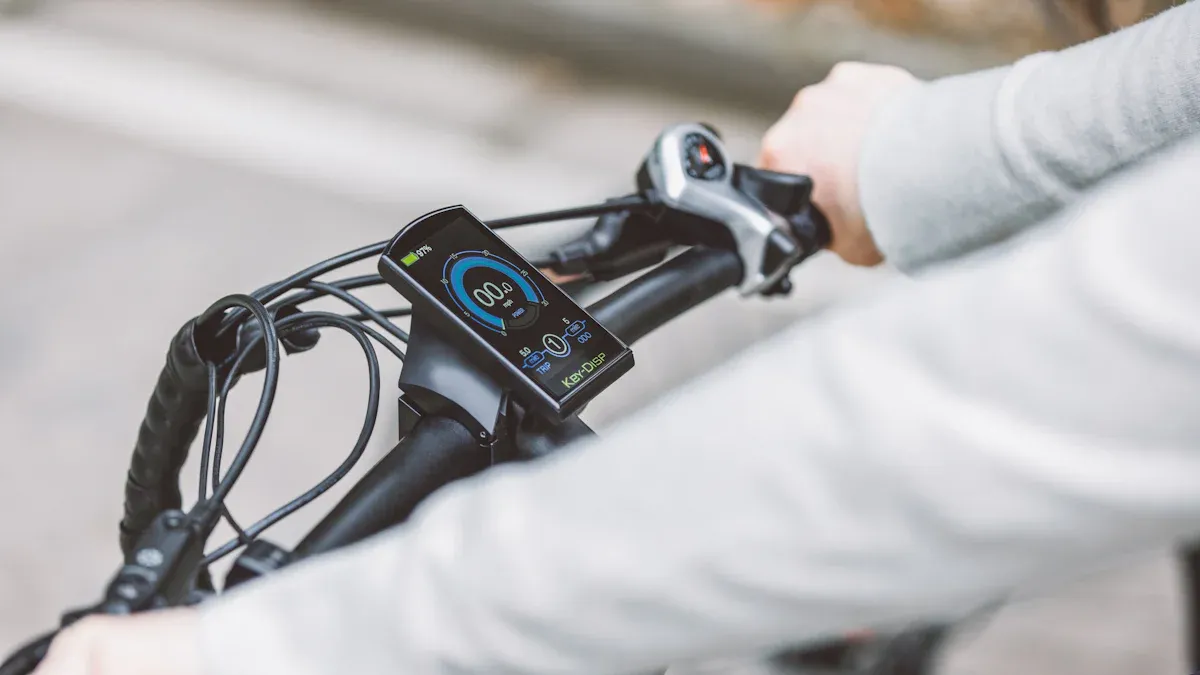
Prerequisites and required tools
Before resetting the Bosch eBike service indicator, ensure you meet the following requirements:
-
Required tools:
Your Bosch eBike with a compatible display (Purion, Intuvia, Kiox, or Nyon).
Your eBike's user manual for additional support.
A fully charged battery to avoid interruptions during the process.
A quiet and safe place where you can perform the reset.
-
Preparation:
Check if your display is working correctly.
Ensure that no error messages are displayed.
Tip: A test ride after resetting helps you ensure that everything is functioning properly.
Instructions for Bosch Purion display
The Bosch Purion display is known for its compact size and simple operation. Here is how you reset the service indicator:
Hold the "+" button down for about 5 seconds.
Then, also press the "-" button for 5 seconds.
Confirm the reset process when prompted.
The Purion display will show you the updated maintenance information after the reset.
Note: The Purion display is compatible with 2nd generation Bosch Active and Performance Line motors. It offers a clear view of battery charge, speed, and range.
Instructions for Bosch Intuvia display
The Intuvia display offers an intuitive user interface. Follow these steps to reset the service indicator:
Open the menu by pressing the Menu button.
Select the "Settings" option.
Navigate to "Factory Settings" and confirm the selection.
After the reset, the Intuvia display shows the current maintenance data.
Tip: The Intuvia display is particularly suitable for longer rides, as it provides a clear overview of trip distance and total mileage.
Instructions for Bosch Kiox and Nyon displays
The Kiox and Nyon displays offer advanced features and a modern user interface. Here is how you reset the service indicator:
Open Settings via the main menu.
Select the "System" option.
Navigate to "Factory Settings" and confirm the reset.
After resetting, you can check the display's functionality with a short test ride.
Note: The original operating instructions for Kiox and Nyon contain further details on using and customizing the displays. Both models offer the option to personalize the display.
Common problems and solutions during reset
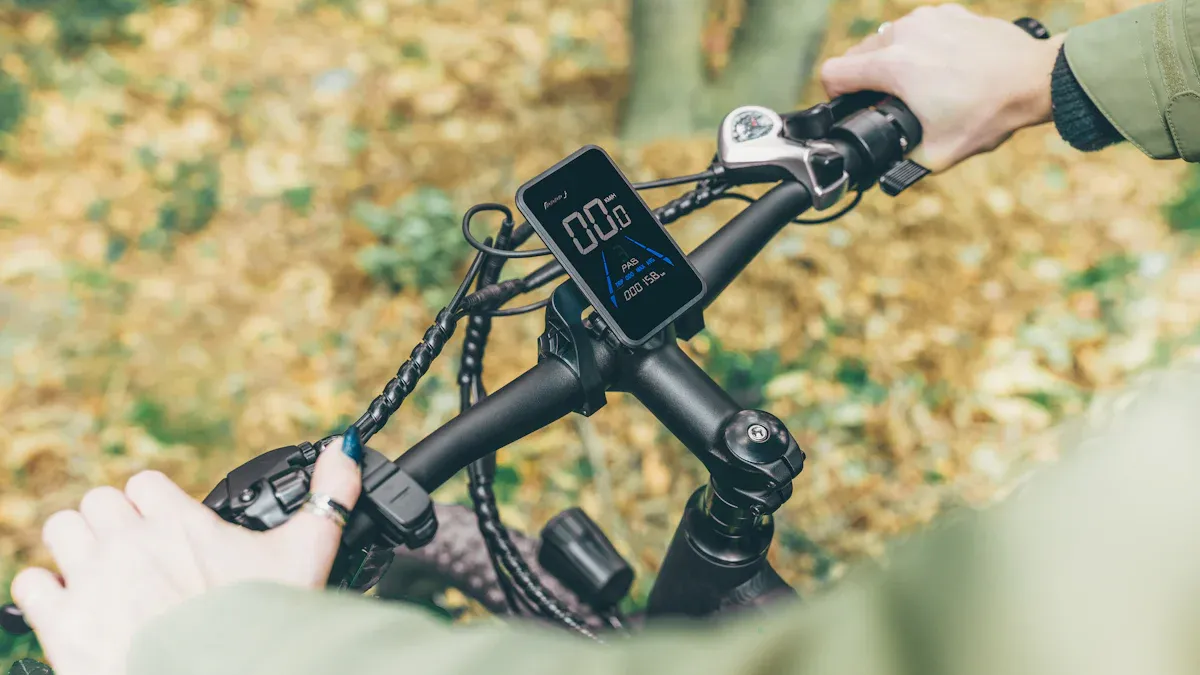
The service indicator cannot be reset
Sometimes the reset of the Bosch eBike service indicator does not work as expected. This can have various causes:
Lack of compatibility: Check if your display is compatible with your Bosch eBike. Not all displays support the reset process.
Software issues: Outdated firmware can prevent the reset. Update your display's software via the Bosch eBike Connect app.
Hardware failure: A defective display or a damaged connection to the motor can block the reset.
Tip: If the service indicator still cannot be reset, restart the system. Turn off the eBike, wait a few minutes, and turn it back on.
Error messages on the display
Error messages on the display can also hinder the reset process. Here are some common error codes and their solutions:
Description |
Solution |
|
|---|---|---|
Bosch 503 |
Motor error |
Check the connection to the motor. |
Shimano W103 |
Battery error |
Charge or replace the battery. |
If you see an error message, check your eBike's user manual. It contains detailed information about error codes and possible solutions.
Note: Error messages can also be triggered by external factors such as extreme temperatures or humidity. Ensure your eBike is operated under optimal conditions.
When should a specialist dealer be contacted?
There are situations where you should visit a specialist dealer to reset the Bosch eBike service indicator:
Store atmosphere: You feel welcome and well-advised.
Product selection: The dealer offers a wide selection of eBikes and accessories.
Dealer expertise: The dealer shows interest and offers professional support.
Trust: You feel comfortable with the advice and can trust the dealer.
Workshop: The workshop is well-equipped and can solve complex problems.
Test rides: You have the opportunity to test different eBikes.
A specialist dealer can not only help you reset the service indicator but also ensure that your eBike is working optimally.
Tip: Visit a specialist dealer regularly for maintenance and inspection. This extends the lifespan of your eBike and ensures a safe ride.
Tips and alternative methods
Using the Bosch eBike Connect app
The Bosch eBike Connect app offers numerous features to improve your riding experience. With the app, you can customize your eBike and manage important data. Here are some of the main functions:
Function |
Description |
|---|---|
Your smartphone becomes a digital key for your eBike. |
|
Integration with other apps |
Routes can be transferred from apps like Komoot or Strava. |
Updates |
The app keeps your eBike system up to date with new features. |
Customizing eBike settings |
Adjust your eBike's settings individually. |
Plan routes and transfer them directly to your eBike. |
|
Transferring fitness data |
Record and analyze your fitness data. |
Integration with displays |
The app works with various Bosch displays. |
Connected eBiking |
Use connectivity features for navigation and training. |
Tip: Many users appreciate the app's user-friendly interface. The route planning and fitness functions are particularly helpful.
Regular maintenance and care of the eBike
Regular maintenance of your eBike is crucial for its lifespan. Experts recommend performing the first inspection no later than six months after purchase. Afterward, you should have your eBike checked at least once a year.
Regular inspections ensure the safety and function of your eBike.
A well-maintained eBike is less prone to technical problems.
The lifespan of your eBike increases with consistent care.
Note: Clean your eBike regularly and check important components such as brakes, chain, and tires. This keeps your eBike in optimal condition.
Advantages of professional service by a specialist dealer
A specialist dealer offers you not only support with resetting the Bosch eBike service but also many other benefits. Professional maintenance ensures that your eBike remains safe and efficient.
Specialist dealers possess the necessary knowledge and the right tools.
They identify problems early and repair them professionally.
Professional service increases the reliability of your eBike.
Tip: Schedule regular maintenance appointments with a specialist dealer. This saves you time and costs in the long run.
Resetting the Bosch eBike service indicator is a simple but crucial step. It ensures that your eBike functions optimally and the maintenance display remains correct.
-
Summary of benefits:
Early detection and prevention of damage.
Safety-relevant parts like brakes remain in good condition.
Note: Only reset the indicator when the service is complete. Regular maintenance protects your eBike and ensures a safe ride.
FAQ
How often should I have the Bosch eBike service performed?
Bosch recommends an inspection after 300 km or at least once a year. Regular maintenance extends the lifespan of your eBike and ensures safety.
Tip: Check your eBike for visible damage after every long ride.
Can I reset the service indicator without a specialist dealer?
Yes, you can reset the indicator yourself if you follow the instructions. Ensure that the service is completed before performing the reset.
What happens if I don't reset the service indicator?
The indicator will continue to show the old maintenance prompt. This can lead to confusion and cause you to miss important future maintenance notices.
Note: A correctly reset indicator helps you keep track of maintenance intervals.